
-
Pick up from the Woodmart Store
To pick up today
Free
-
Courier delivery
Our courier will deliver to the specified address
2-3 Days
Free
-
DHL Courier delivery
DHL courier will deliver to the specified address
2-3 Days
Free
Hurry and get discounts on all Apple devices up to 20%
Sale_coupon_15
₹5,613.00 Original price was: ₹5,613.00.₹4,460.00Current price is: ₹4,460.00.
To pick up today
Free
Our courier will deliver to the specified address
2-3 Days
Free
DHL courier will deliver to the specified address
2-3 Days
Free
Payment Methods:
Price: ₹5,613 - ₹4,460.00
(as of Nov 21, 2025 07:41:38 UTC – Details)
Description:
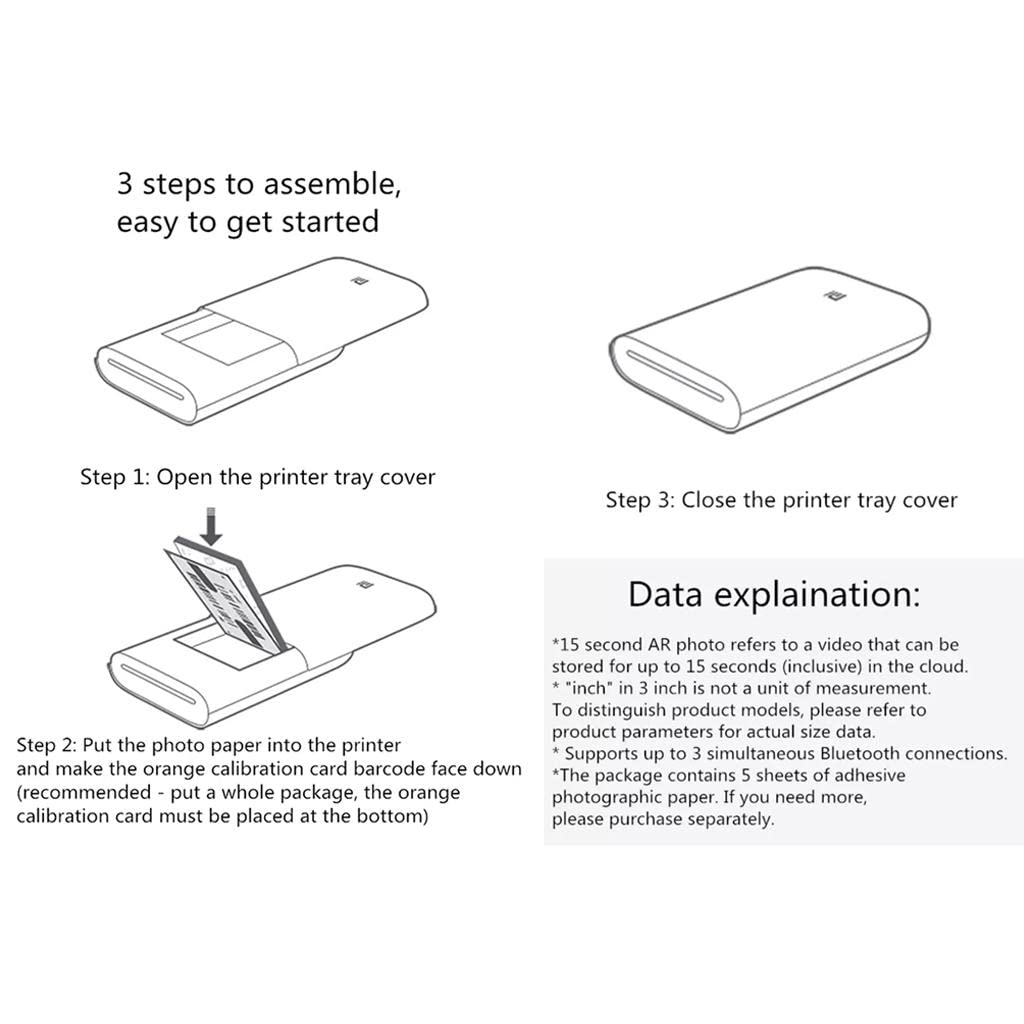
3 Steps To Assemble, Easy To Get Started:
Step 1: Open The Printer Tray Cover
Step 2: Put The Photo Paper Into The Printer And Make The Orange Calibration Card Barcode Face Down (Recommended – Put A Whole Package, The Orange Calibration Card Must Be Placed At The Bottom)
Step 3: Close The Printer Tray Cover
x Scan Ar Photos
Simply Shoot Or Upload Any Video While Printing Photos, And You Can Experience The Real And Dynamic Ar Photos At Any Time By Scanning Photos.
x Scanning Photos
Record Or Upload Any Audio While Printing Photos, Open The Mijia App Scan Photos, You Can Hear The Voice Behind The Photos Anytime, Anywhere.
x Pine Shows Photo Creativity
More Photo Sticker Templates: Provide Creative Print Space
x Multi-Person Sharing With One Printer
Bluetooth Printing, No Need For Wi-Fi, Support Multiple People At The Same Time Bluetooth Connection, Print In Sequence.
x Bluetooth Printing
No Need For Wi-Fi, Support Multiple People At The Same Time Bluetooth Connection, Print In Sequence.
Specification:
Printing Technology: Thermal (Zink)
Print Resolution: 313 X 400Dpi
Print Photo Paper Size: 2X3 Inches (50Mm X 76Mm)
Printing Speed: About 45 Seconds / Page
Carton Capacity: Up To 10 Sheets
Support File Format: Jpeg, Png
Ar Photo: Support
Bluetooth Multiplayer Connection: Up To 3 People
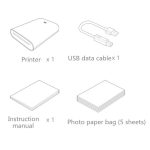
Package Includes:
1 Set Of Printing Photo Paper
Note:
The Paper Has No Outer Packaging It Is A Single Pack Of Papers.
The Item’S Color May Be Slightly Different From The Pictures Due To The Light And Screen Setting Difference.
Please Allow Slight Dimension Error Due To Manual Measurement.Thanks For Your Kindly Understanding.
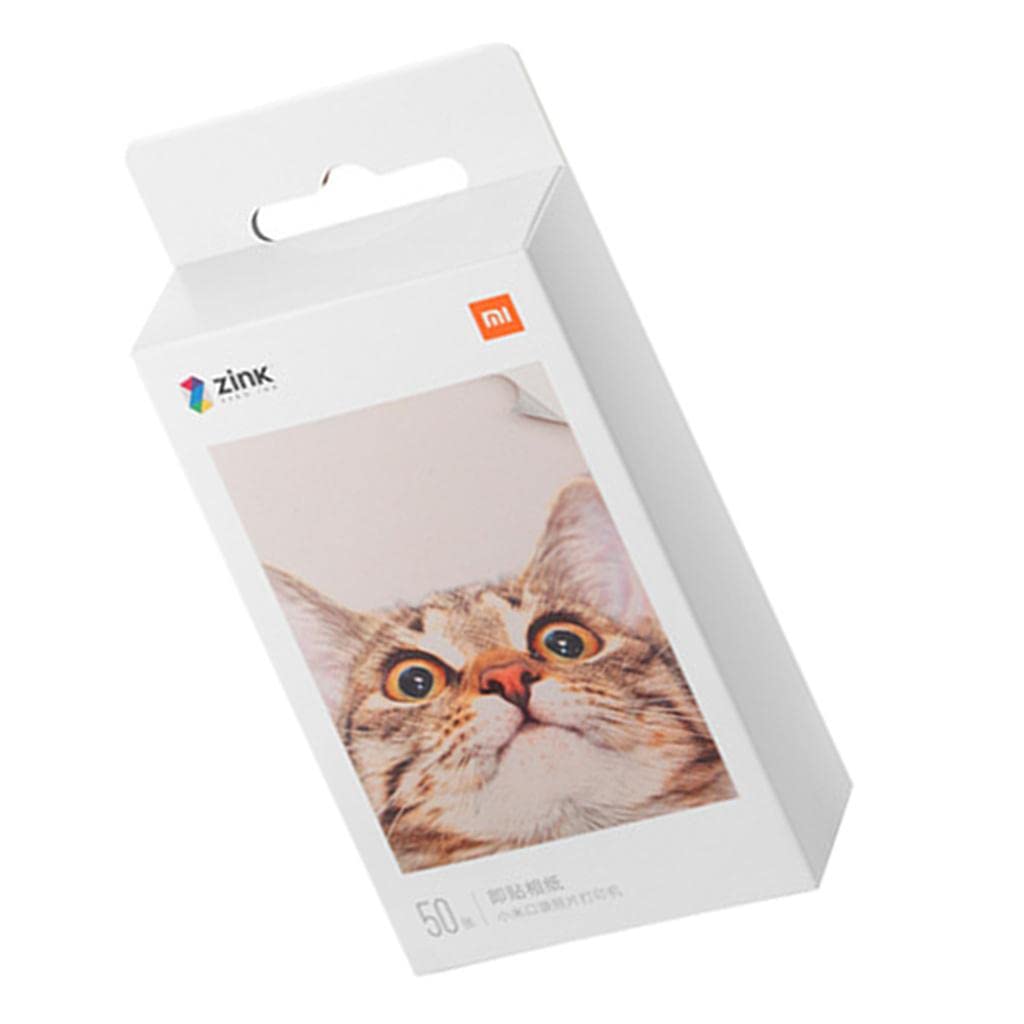
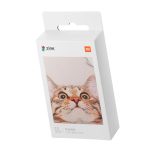
2 x 3″ Photo Paper Inkjet Printer Paper for Xiaomi Mi AR Printer 50 Pieces
3 Steps To Assemble, Easy To Get Started:
Step 1: Open The Printer Tray Cover
Step 2: Put The Photo Paper Into The Printer And Make The Orange Calibration Card Barcode Face Down (Recommended – Put A Whole Package, The Orange Calibration Card Must Be Placed At The Bottom)
Step 3: Close The Printer Tray Cover
In stock
In stock
In stock
Reviews
Clear filtersThere are no reviews yet.