





-
 Pick up from the Woodmart Store
-
 Courier delivery
-
 DHL Courier delivery



 Pick up from the Woodmart Store
Courier delivery
DHL Courier delivery
Pick up from the Woodmart Store
Courier delivery
DHL Courier delivery
 Warranty 1 year
 Free 30-Day returns

Price: ₹4,999 - ₹2,999.00
(as of Nov 21, 2025 17:55:40 UTC – Details)
Product Description
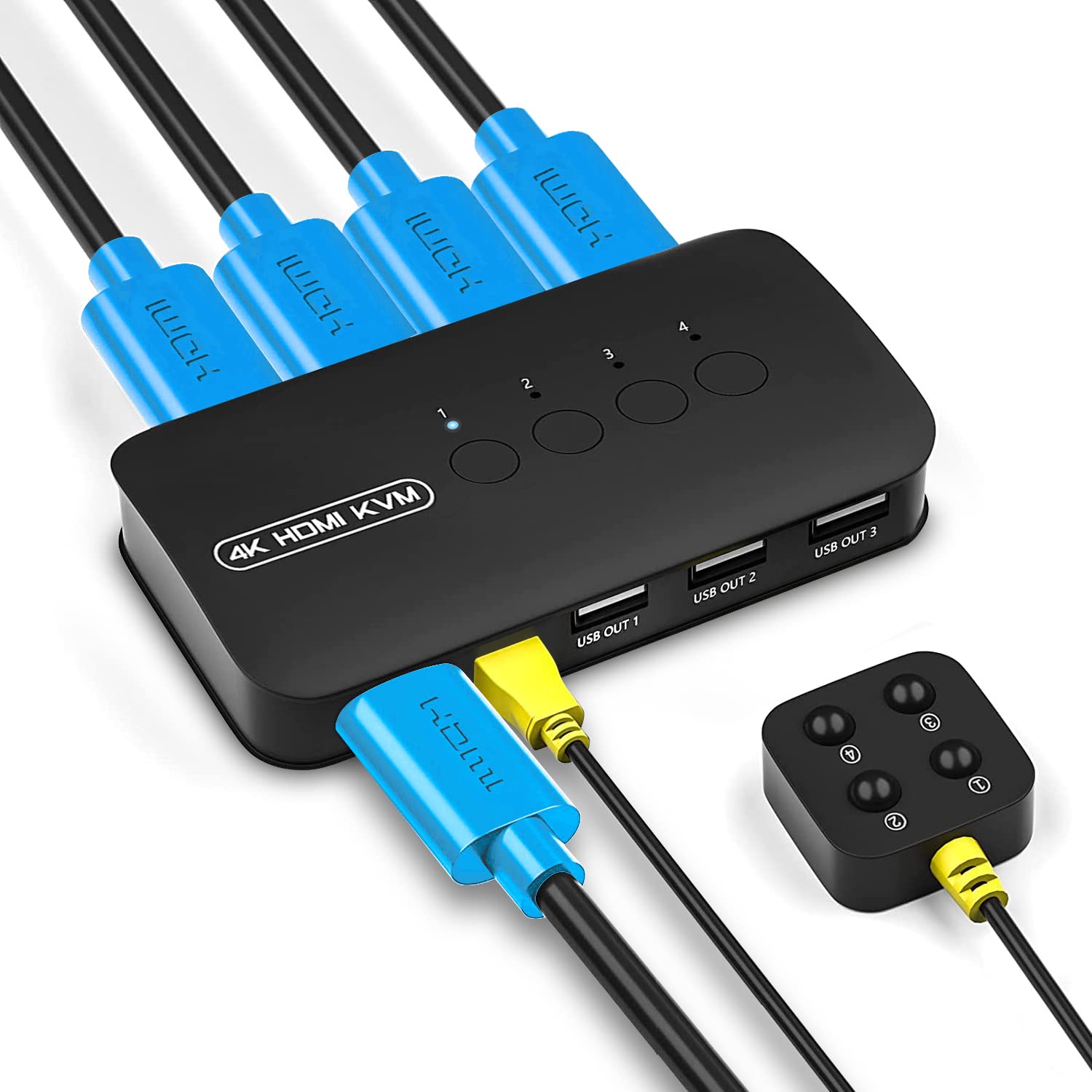
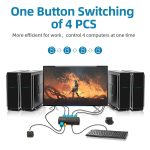
MICROWARE 4 Port HDMI KVM Switch – 4K@30Hz 
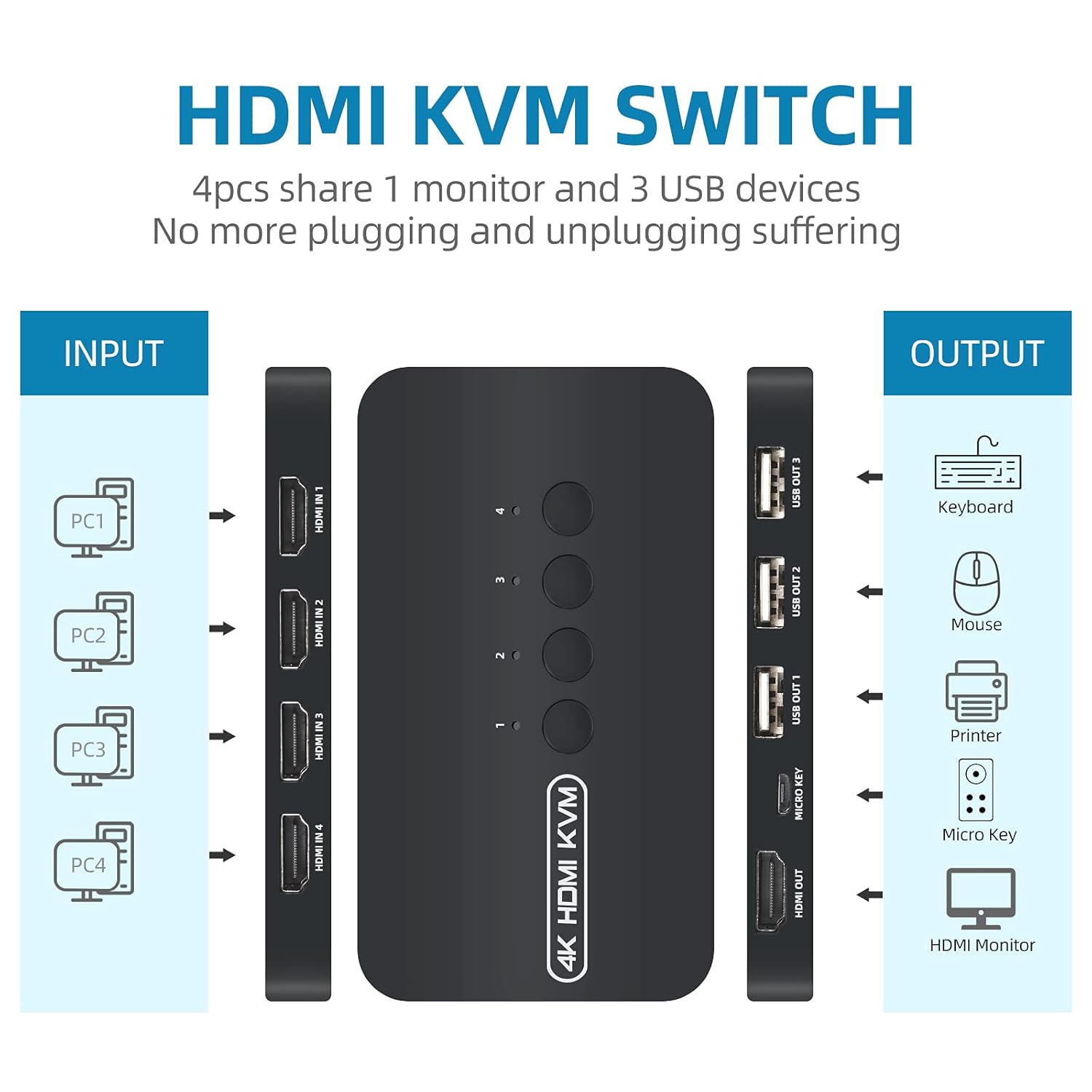
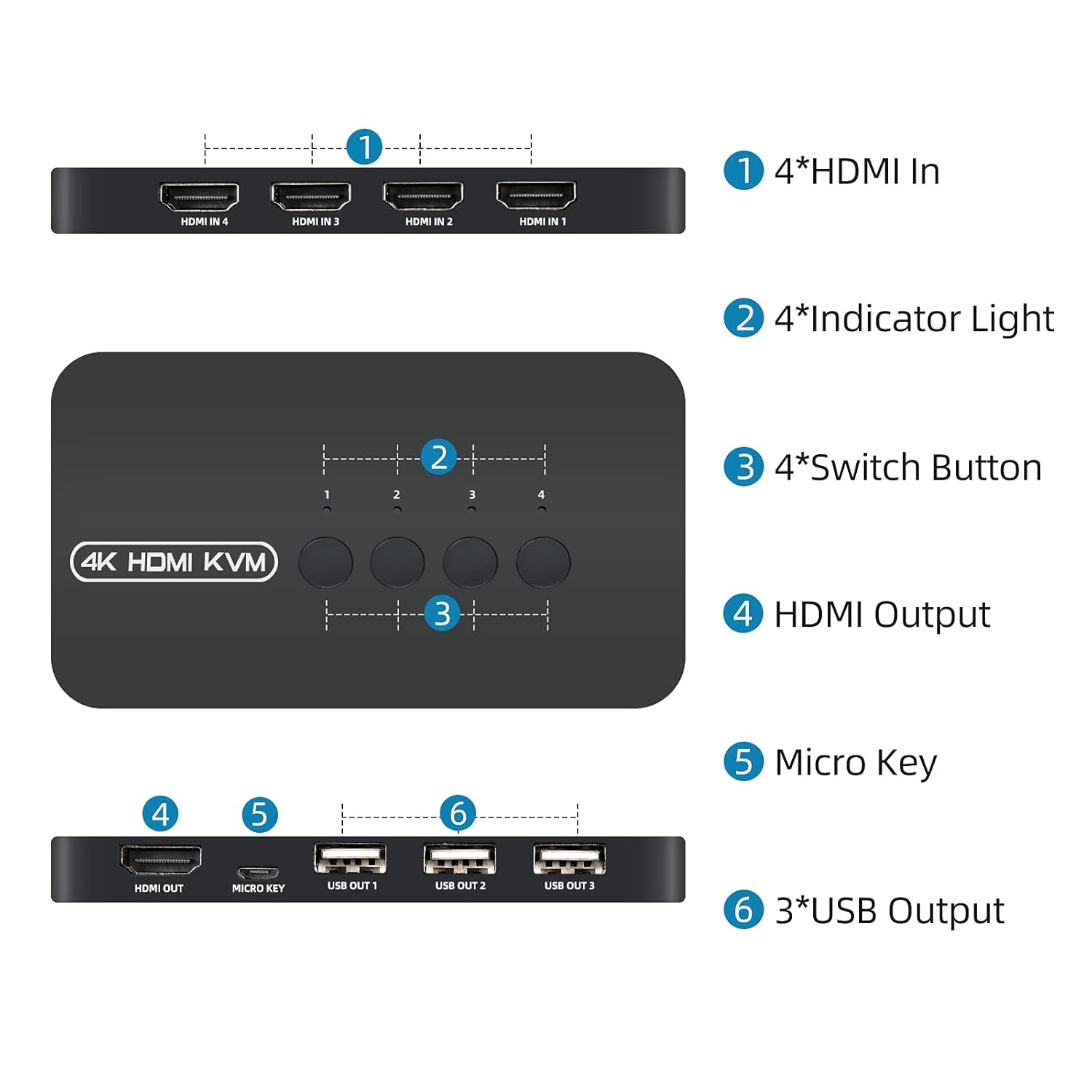
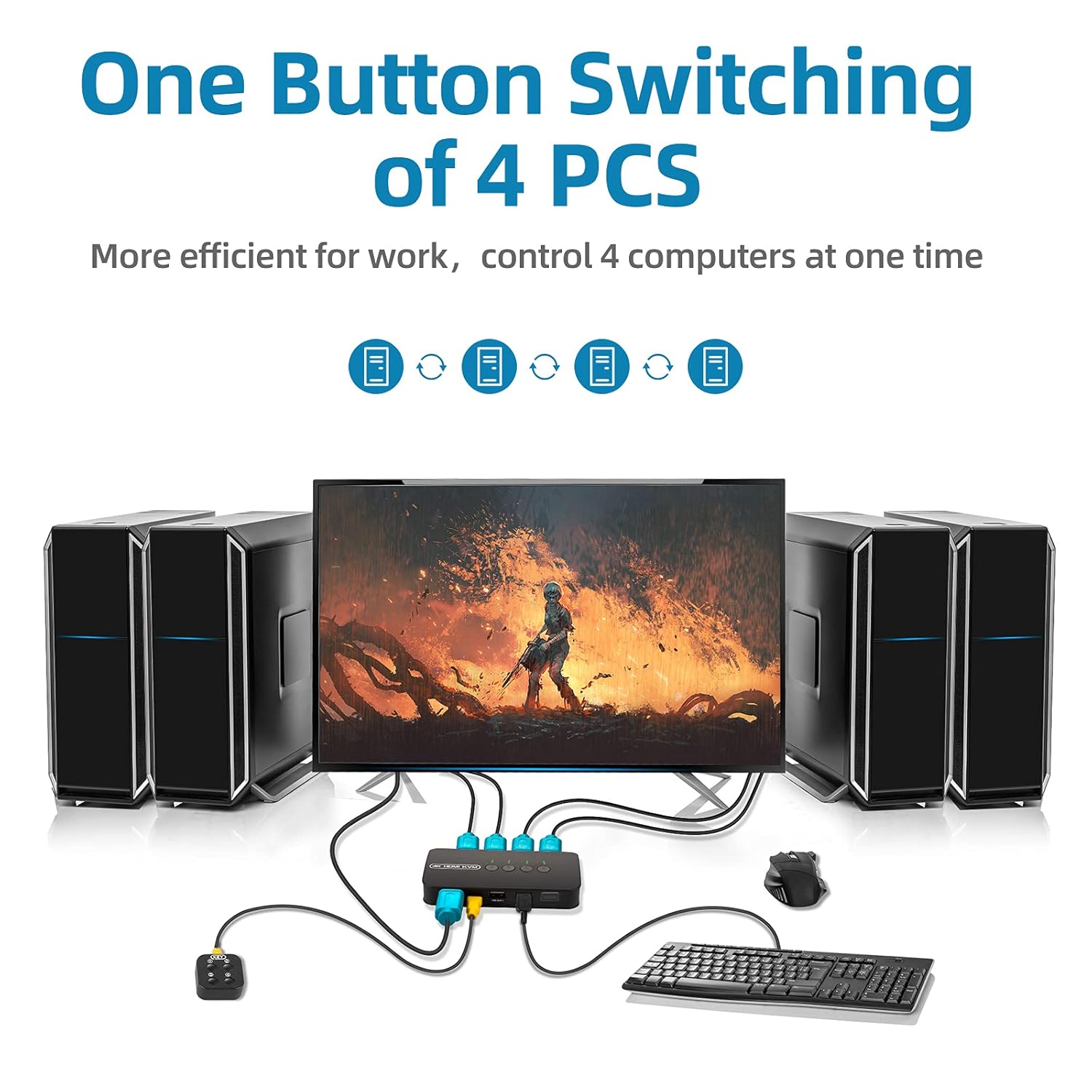
The HDMI KVM Switch allows you to control up to 4 PCs through 1 monitor & 3USB devices(keyboard, mouse, printer or scanner).
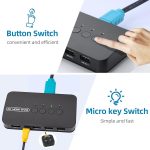
And you can use the wired desktop controller or panel button to switch between computers.
It can widely used in video conference, working office, media teaching and game room.


2-in-1 KVM cable 
Take notes:
1. Connect the KVM cables to the computer ports of KVM switch. KVM Cable: Plug the HOST Port (HDMI & USB connector) of KVM cable into the computer.
2. Plug the KVM Port (HDMI connector only) of KVM cable into the KVM Switch. The HOST Port and KVM port can not be connected in reverse.
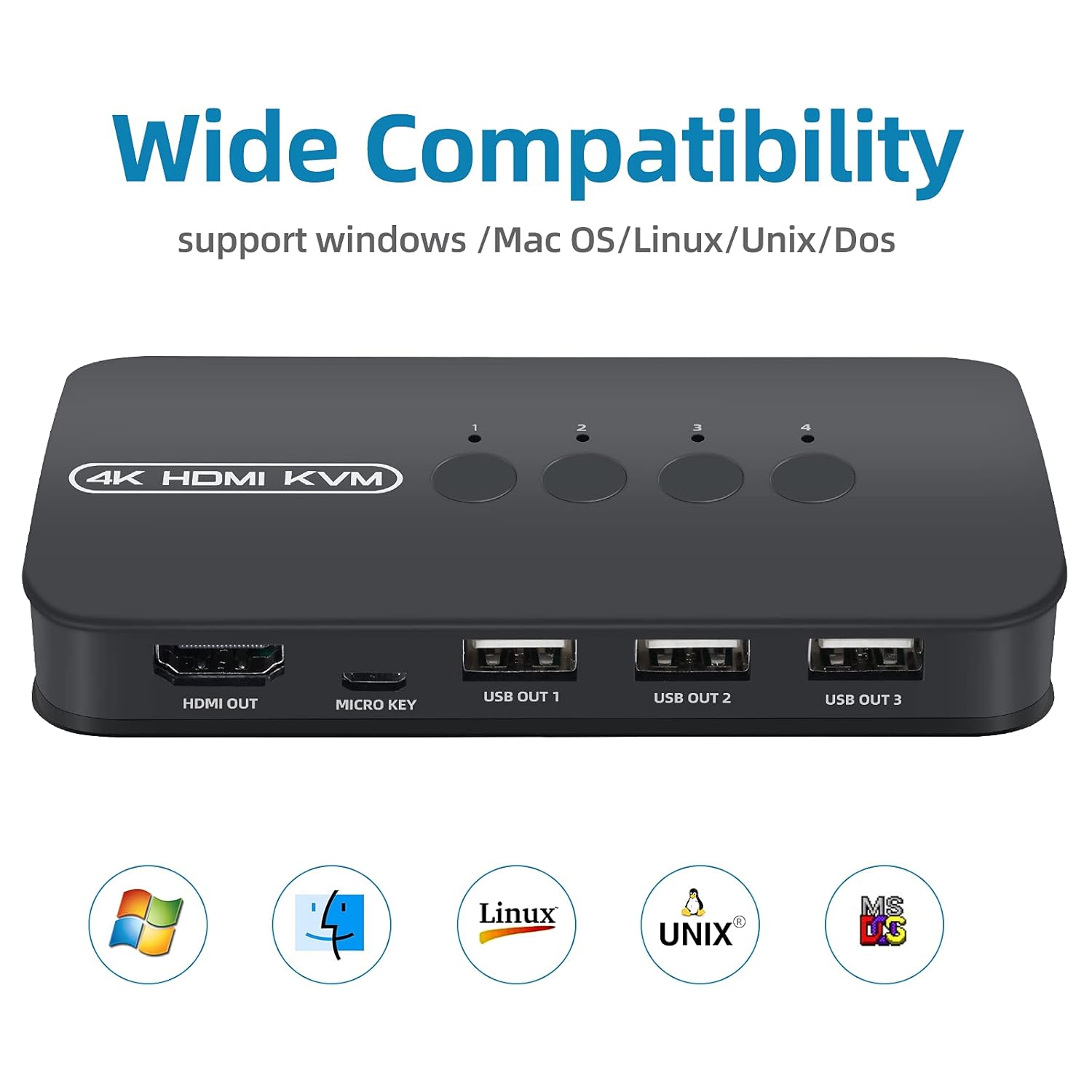
Support resolution 3840*2160/30Hz,1080P/60Hz Output Line Length 1 to 3 M(9.8Ft) Signal Bandwidth 10.2Gbps HDMI Input/Output Port 19+1 pin HDMI-A interface, HDMI 1.4b USB Output Port USB-A,USB 2.0 Tips 1 For first time use, the computer will automatically setup the USB driver. DO NOT Switch the Computers when PC loading data process. when use storage devices as portable ssd drive,u disk,etc.DO NOT switch the computers when data copying. For HDMI cable of output to Monitor,19pin +1 pin pure copper high-quality hdmi cable is recommened. Tips 2 Q: Keyboard and mouse do not work properly A: Connect the hdmi kvm cable correctly, make sure the hdmi and usb ends are connected to the computer. This USB is the power supply for the KVM, so it must be properly connected and fastened. Sometimes changing the USB port fixes the problem. Tips 3 Q: Display is not full screen, force refresh resolution A: Because there are too many types and resolutions of graphics cards, it is difficult to be compatible with all of them. So be sure to check the hdmi cable, use a high-quality hdmi cable, the original hdmi kvm cable is necessary. Also reset the computer with a good resolution, then connect to kvm.
Share Multiple Devices: DGODRT USB and HDMI switch to share 3 USB devices such as keyboards, USB printers, scanners, USB sticks and other USB devices. Includes two professional HDMI KVM cables, keep your workspace tidy and efficient.
【4K Visual Enjoyment】Support HD picture or video and up to 4K resolution, make the display of images more exquisite and realistic, the color brighter and more touching.
QUICK CHANGE You can easily and conveniently switch between 4 computers by pressing the buttons on the wired desktop controller.
High Compatibility: KVM Switch is compatible with laptops with HDMI port and other devices, such as PS4, TV box, etc. Works with Windows, Mac OS, Linux, Unix and Two operating systems.
Easy to use: Simple button allows for easy switching. The switch box works without driver and no extra power supply, support plug and play.
 Overview
 Processor
 Display
 RAM
RAM
 Storage
 Video Card
 Connectivity
 Features
 Battery
 General
In stock
In stock
In stock
In stock
In stock



Reviews
Clear filtersThere are no reviews yet.