Price: ₹2,299 - ₹810.00
(as of Oct 20, 2025 23:48:35 UTC – Details)
Things should be noted about this usb cd rom external drive 1. Once you plug this external dvd player for laptop into your computer, it will bring up your downloaded Media Player, select it, and from that point forward whatever disc you put in will automatically open through it. You download a Media Player program onto your computer if don’t already have one before you hook it up. 2. Remember to set the DVD Region to United States on the player – Windows :This PC– dvd drive- Properties – Hardware Tab – Properties button – Choose Region (US is 1) -Apply. Mac:Menu-System Preference-Language & Region – Region – Select Country – Apply Remember you can only reset the country 5 times. 3. Please directly connect it to the USB port of the computer. Connection through a USB hub or USB extension cord may affect the device’s functioning. For desktops, please connect it to the back USB port of the motherboard because of potential power issue. 4. Mac OS computers do not display the device icon before placing a disc into disc tray & drive reads successfully the disc. For Mac OS, use the mac command to eject disc. If eject button/computer command not working, stick emergency hole to force eject a disc. 5. Just because you have a series of video files doesn’t mean they are compatible with DVDs. In fact, most computer and phone video formats are not compatible. So you need a third-party software to convert your file format to one that can be shown on discs. It won’t work even you burn your file onto discs without converting format.
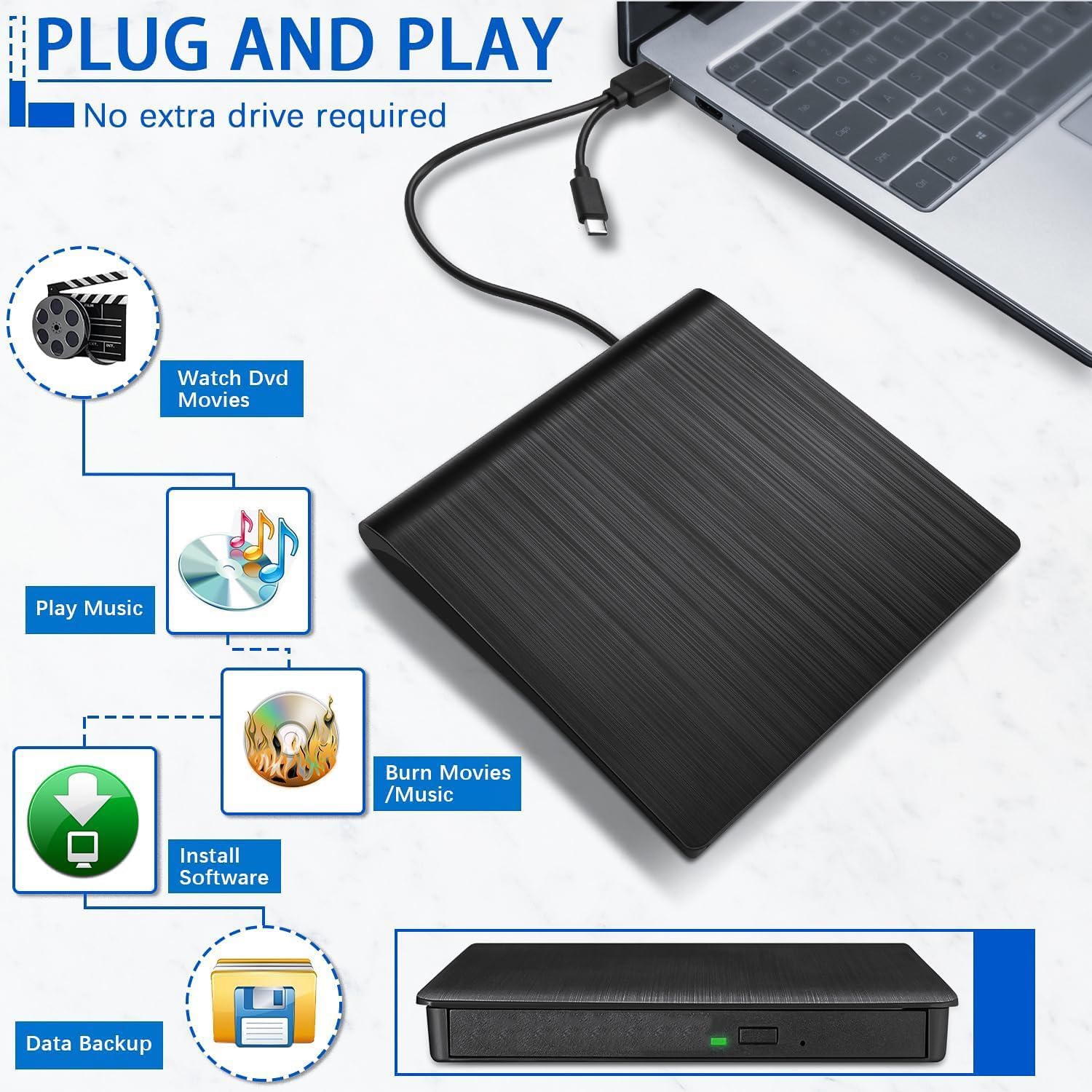
【External CD/DVD Drive for Laptop Mac】Considering that most of the latest laptops and desktop computers have not been equipped with an internal CD/DVD drive for reading/writing CDs and DVDs. This ROOFULL premium USB 3.0 external CD/DVD drive is a good solution to reading and writing your CDs and DVDs, as easy as a built-in optical disk drive.
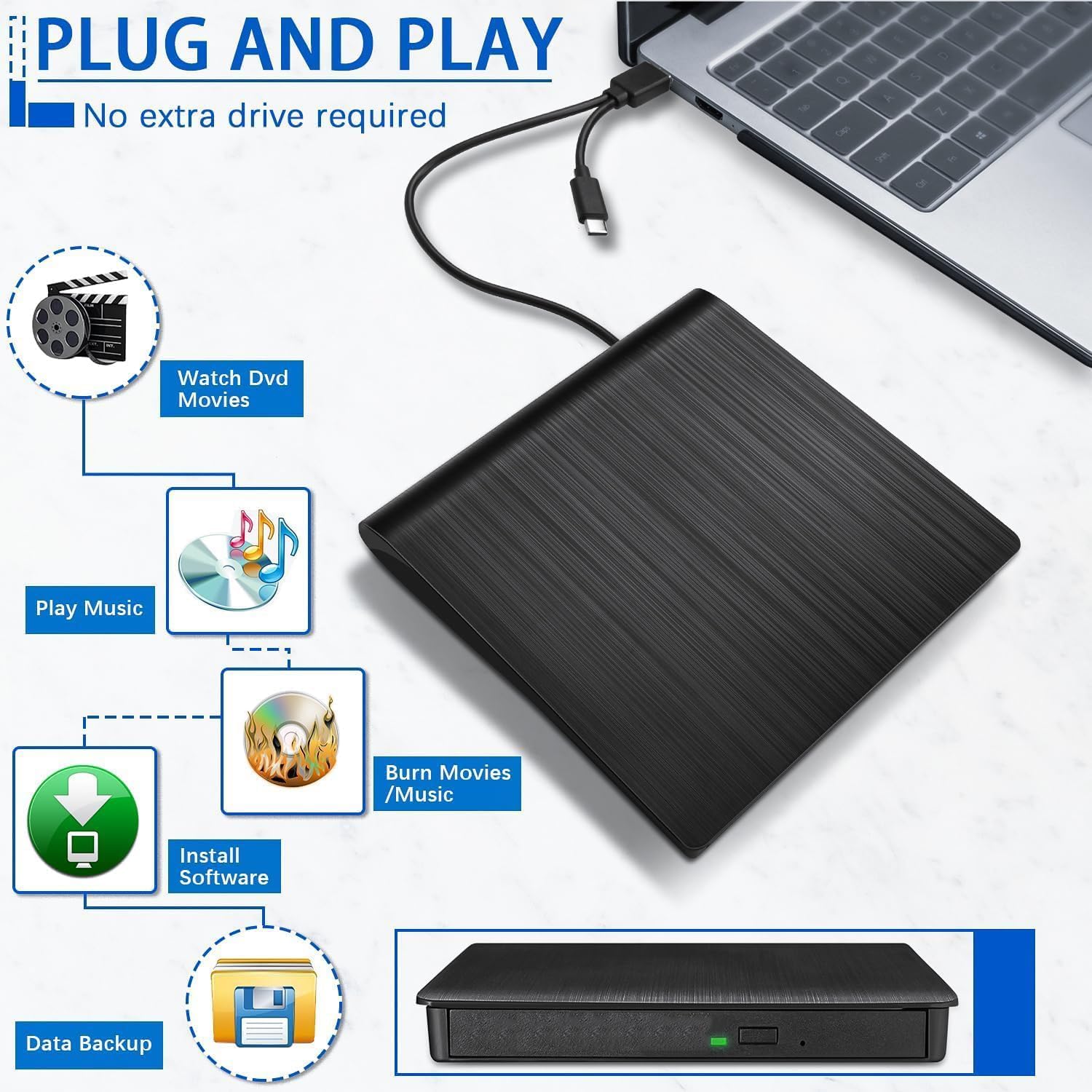
【Plug & Play CD/DVD Player for PC】No extra driver program is required, as easy as using an internal optical disc drive. Just plug this external CD/DVD RW drive into your laptop or desktop PC, and insert your CDs or DVDs, it will be recognized automatically, then you can use a media player, burning, or ripping software to read, write, and rip your CDs and DVDs. Easy to use!
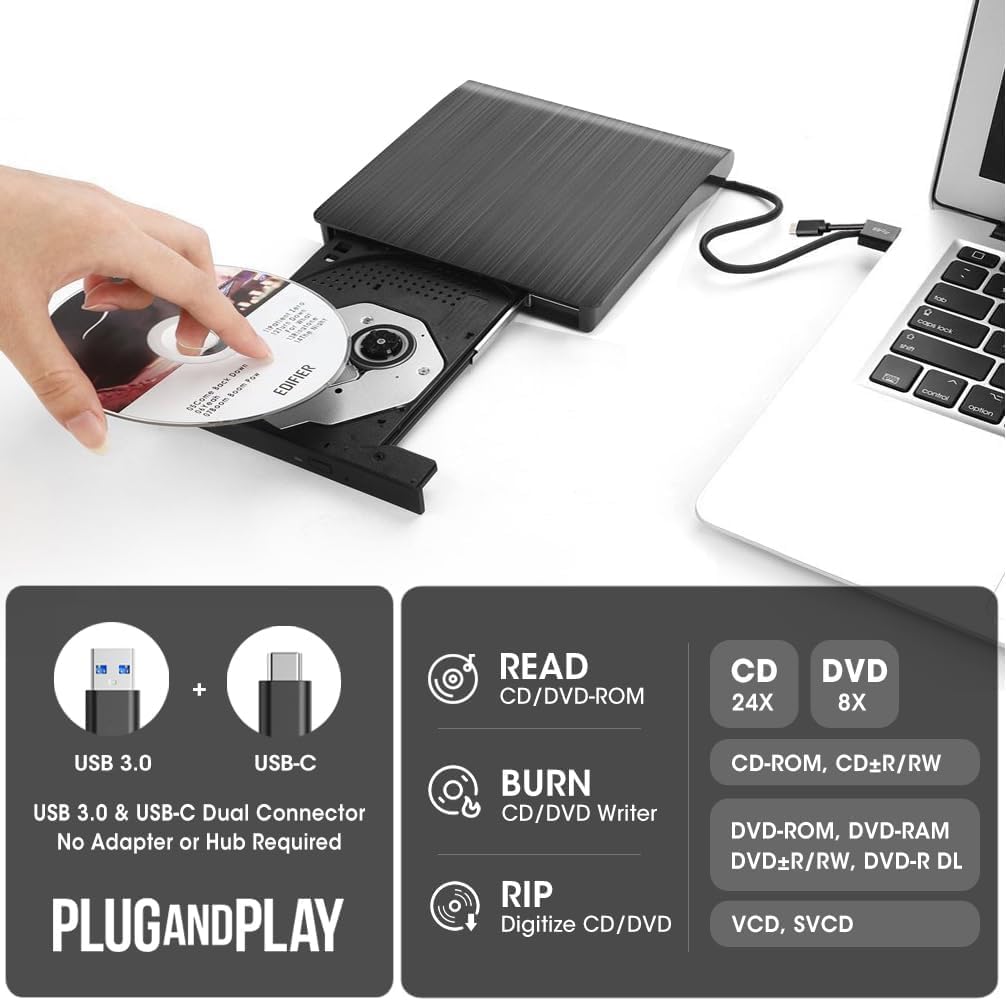
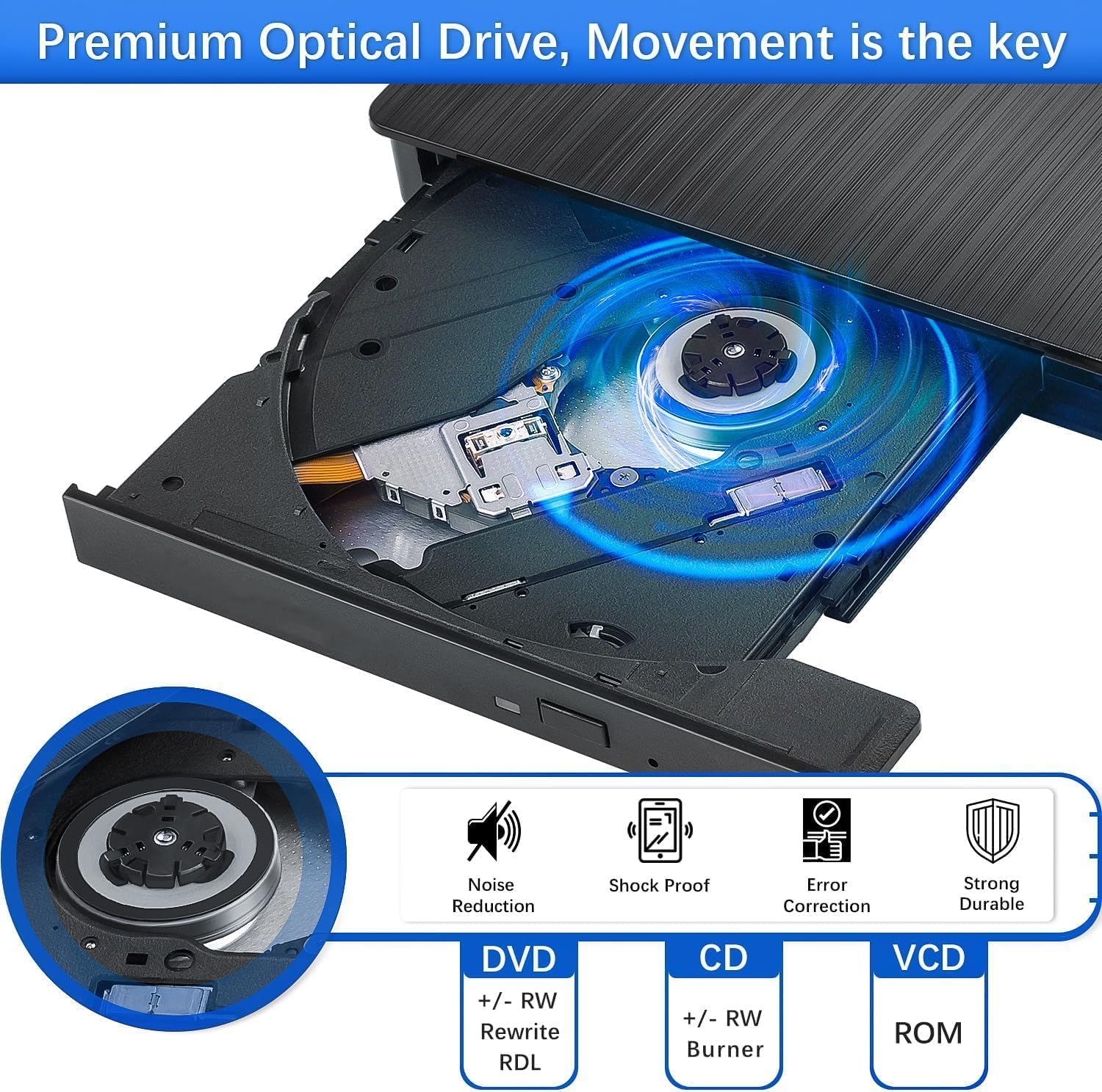
【Multifunctional CD/DVD Drive Burner】It’s not only a CD DVD ROM reader, but also a writer player burner recorder ripper, supporting reading and writing of CD±R/RW, CD-ROM, DVD±R/RW, DVD-RAM, VCD, and SVCD disks. You can use it to read movies DVDs or music CDs, burn mp3 music, photos, videos, and files to blank CDs or DVDs, copy media or data files from the disc to your computer, install software/ system/ games, back up data to discs, and more.
【Wide Compatibility】This is a universal CD/DVD drive, compatible with Windows 11, 10, 8.1, 7, Vista, XP, Linux, and all versions of Mac OS. You can use this USB CD/DVD drive on most PCs including Apple MacBook Pro, MacBook Air, iMac, Windows, and Linux laptops and desktop computers from HP, LG, Dell, Msi, Acer, ASUS, Lenovo, Thinkpad, Samsung, Microsoft Surface Pro. But please note that this device can’t work with Chromebook, TV, tablet, iPad, mobile phones, projectors, trucks, and cars.
【High-Speed USB 3.0 2-In-1 Data Cable】USB 3.0 & USB-C is an updated version of USB 2.0 that provides faster data transfer rates of up to 5 Gigabits/s, approximately 10 times faster than USB 2.0. The built-in data cable (on the device back) with USB 3.0 type-A and type-C two kinds of connectors that make it easier to plug this device into different Mac and Windows computers without an adapter required and
【No Power Shortage Issues Anymore】In addition to the embedded USB 3.0/USB-C data cable, we also prepared an additional USB-to-micro USB power cable, in case the USB port on your computer (such as Surface Pro) cannot supply enough power for this device through a single data cable, you can plug the power supply cord together. If there is no power shortage problem, you can remove this power cord. (Tips: The power cord cannot transmit data, please do not use it alone)






 Pick up from the Woodmart Store
 Courier delivery
 DHL Courier delivery




 Warranty 1 year
 Free 30-Day returns

 Overview
 Processor
 Display
 RAM
RAM
 Storage
 Video Card
 Connectivity
 Features
 Battery
 General


Reviews
Clear filtersThere are no reviews yet.