





-
 Pick up from the Woodmart Store
-
 Courier delivery
-
 DHL Courier delivery


 Pick up from the Woodmart Store
Courier delivery
DHL Courier delivery
Pick up from the Woodmart Store
Courier delivery
DHL Courier delivery
 Warranty 1 year
 Free 30-Day returns

Price: ₹499 - ₹270.00
(as of Oct 22, 2025 20:29:50 UTC – Details)
Product Description

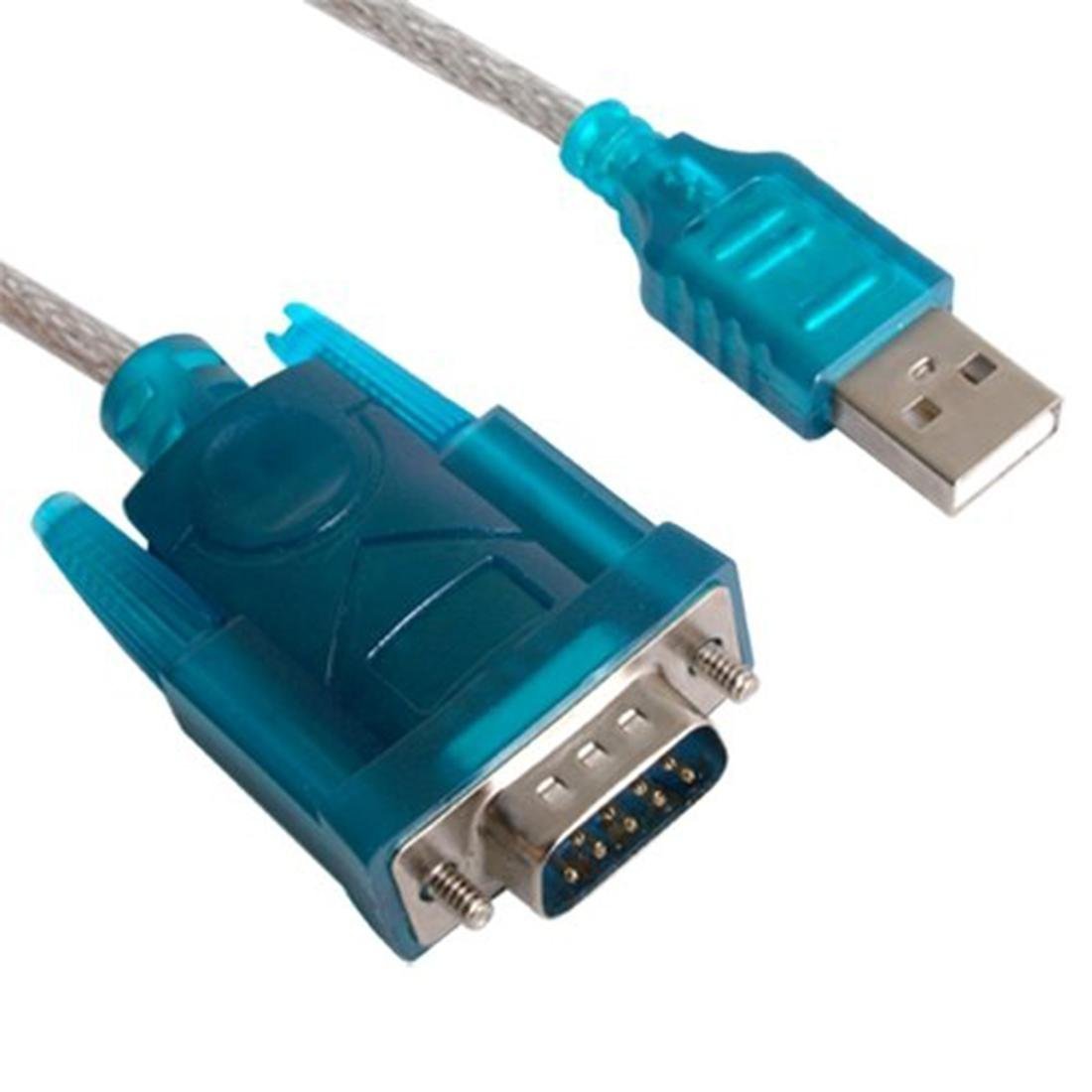
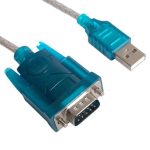
Spiffy Sky USB 2.0 to RS-232 Serial Adapter, Blue
SpiffySky USB serial converter or RS232 adapter is a small electronic device that can convert a USB signal to serial RS232 data signals. RS232 is the type of signal which is in many older PCs and is referred to as a serial COM port.
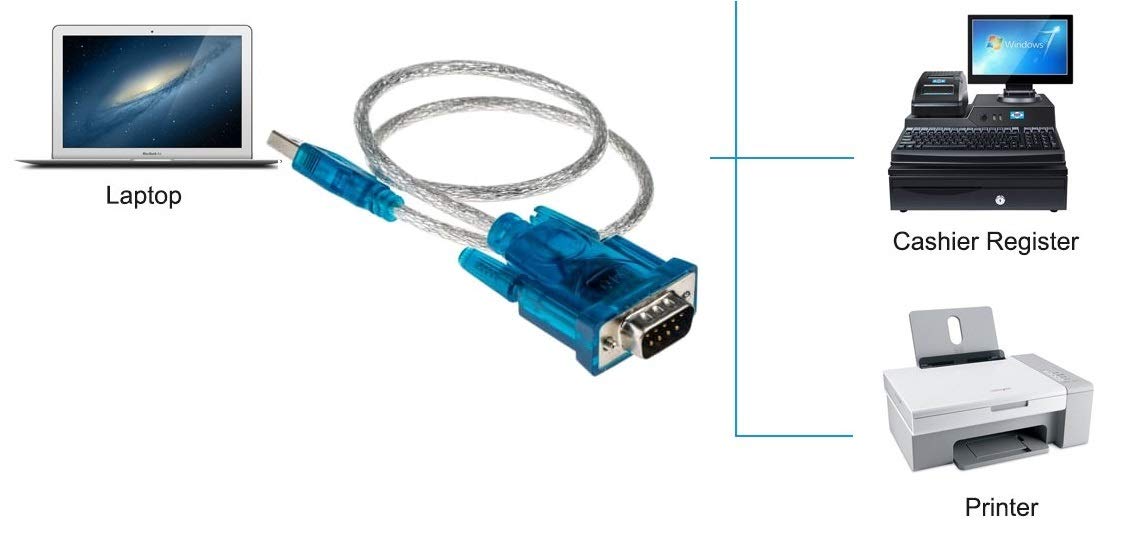
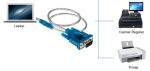
The USB to DB9 provides a connection between an available USB port and the more traditional RS-232 serial port found on many devices. This adapter is designed for connections to cellular phones, PDAs, digital cameras, modems, or ISDN terminal adapters through your USB port. Simply plug your device into the adapter and the adapter into your PC or Mac. COM ports and Baud rates can be modified to the desired setup.
Packing List
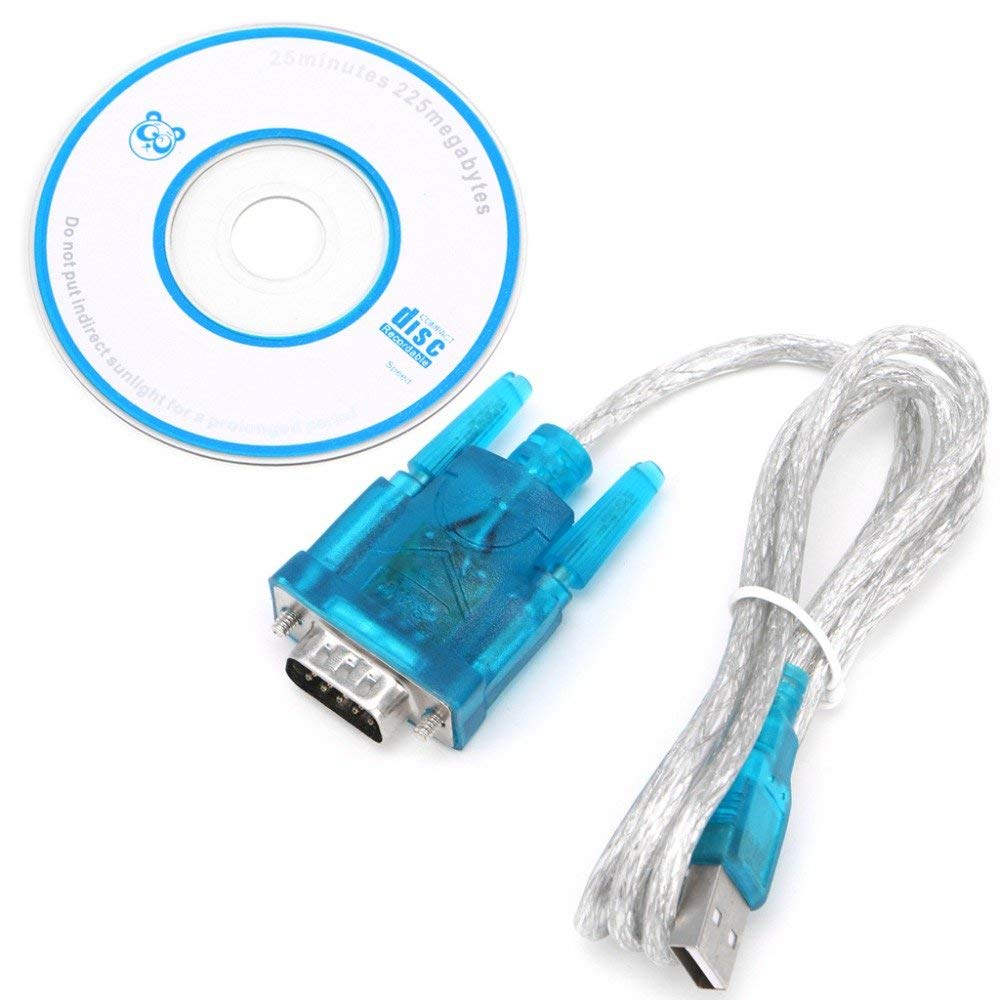
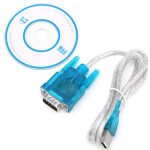
Packing List: 1 x Spiffy Sky USB 2.0 to RS-232 Serial Adapter 1 m, Blue
Note: This cable is not a VGA cable used to connect the PC with the monitor. This cable is a USB to RS 232 Converter Cable.

Download CH340 Chipset Driver software
We need to download the CH340 Chip Driver to our PC/Laptop. Download the driver from the below link:
drive.google.com/drive/folders/1p5e-hao73QXN41HhRyusomCY2UOksBYB?usp=sharing

Installation After downloading the file. Unzip the file.Run the installer which you unzipped as per your Window Version. Follow the further instruction of your computer. After the installation connect the USB to RS 232 cable in your PC/Laptop.Your computer will detect the cable and assign it a COM port upon completing the installation. When cable is connected you will see a COM Port in the PC/Laptop. To verify that your adapter has been successfully installed, navigate to your computer’s Control Panel and open the Device Manager screen. The adapter will appear in the USB Ports section, with its assigned COM port next to it.

Verification
The COM number for your device may vary depending on your system. It can be identified by CH340 written just before the port number

Works with devices with RS-232 serial ports like other PCs with RS-232 ports, Bluetooth serial adapters, PDAs, GPS receivers, routers, firewalls, modems, printers, embedded character displays, scan tools, sonar units, embedded boards, etc.
Supports over 1 Mbps data transfer rate.Suitable for PDA and modem.For use with computers without serial ports
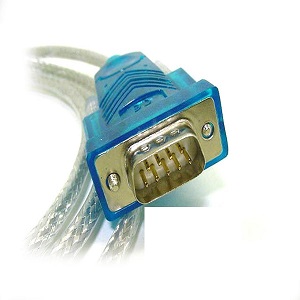
Product: USB 2.0 to RS-232 Serial Adapter with user Manual. The color is blue and the design is universal.
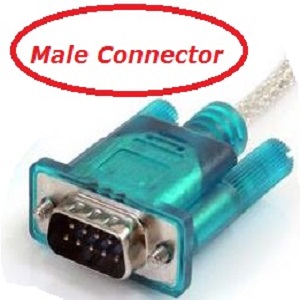
Its USB to RS-232 Male Connector. It’s RS 232 Male Plug.
Please review your requirement before you purchase.
Connects USB ports to RS-232 serial ports; DB9 male connector for versatile device compatibility
Supported OS: Windows 2000 to Windows 10 (32/64-bit); Mac OS X 10.6 and above; Linux 2.4 and later
Plug-and-play setup; allows modification of COM ports and baud rates for custom configurations
USB 2.0 full-speed communication; bus-powered for seamless single-cable connectivity
Includes USB to RS-232 cable adapter, driver CD, and manual; not a VGA cable
Customers report mixed experiences with the USB to RS-232 cable, with some finding it to be a fine product while others describe it as cheap Chinese stuff. Moreover, the cable’s functionality receives negative feedback, with multiple customers reporting it doesn’t work at all. Additionally, customers have issues with connectivity and hardware compatibility, mentioning that drivers are not available and are outdated. Value for money is also mixed, with some considering it a good value while others view it as a money waste.
 Overview
 Processor
 Display
 RAM
RAM
 Storage
 Video Card
 Connectivity
 Features
 Battery
 General
In stock
In stock
In stock
In stock
In stock




Reviews
Clear filtersThere are no reviews yet.