
Phomemo M08E Portable Printer, Inkless Thermal Printer

Apple Shopping Event

Hurry and get discounts on all Apple devices up to 20%

Sale_coupon_15

Original price was: ₹13,889.00.Current price is: ₹11,950.00.

16 People watching this product now!
  • Pick up from the Woodmart Store

To pick up today

Free

  • Courier delivery

Our courier will deliver to the specified address

2-3 Days

Free

  • DHL Courier delivery

DHL courier will deliver to the specified address

2-3 Days

Free

  • Warranty 1 year
  • Free 30-Day returns

Payment Methods:

Description

Price: ₹13,889 - ₹11,950.00
(as of Nov 14, 2025 13:13:46 UTC – Details)


Phomemo M08E Portable Printers Wireless for Travel
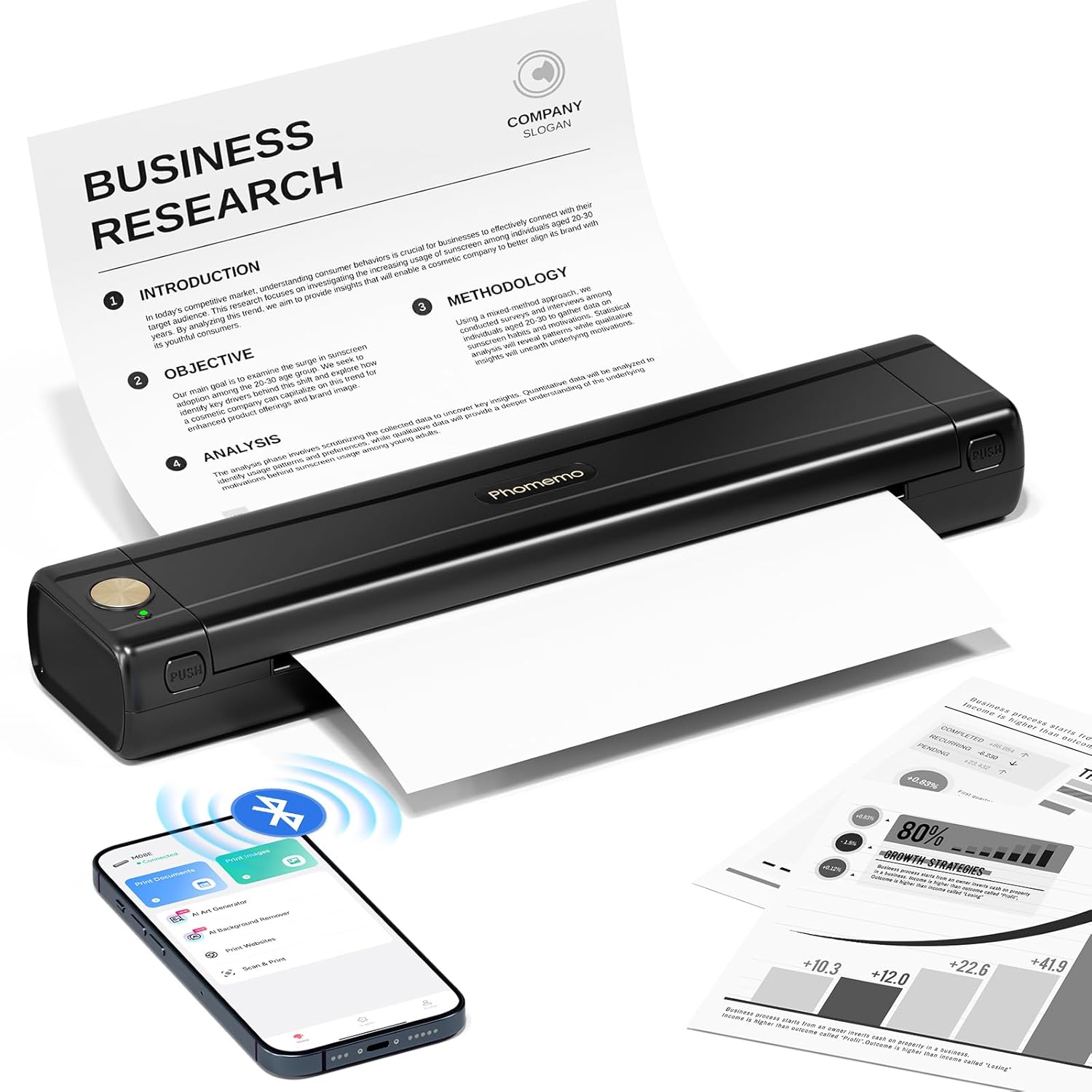
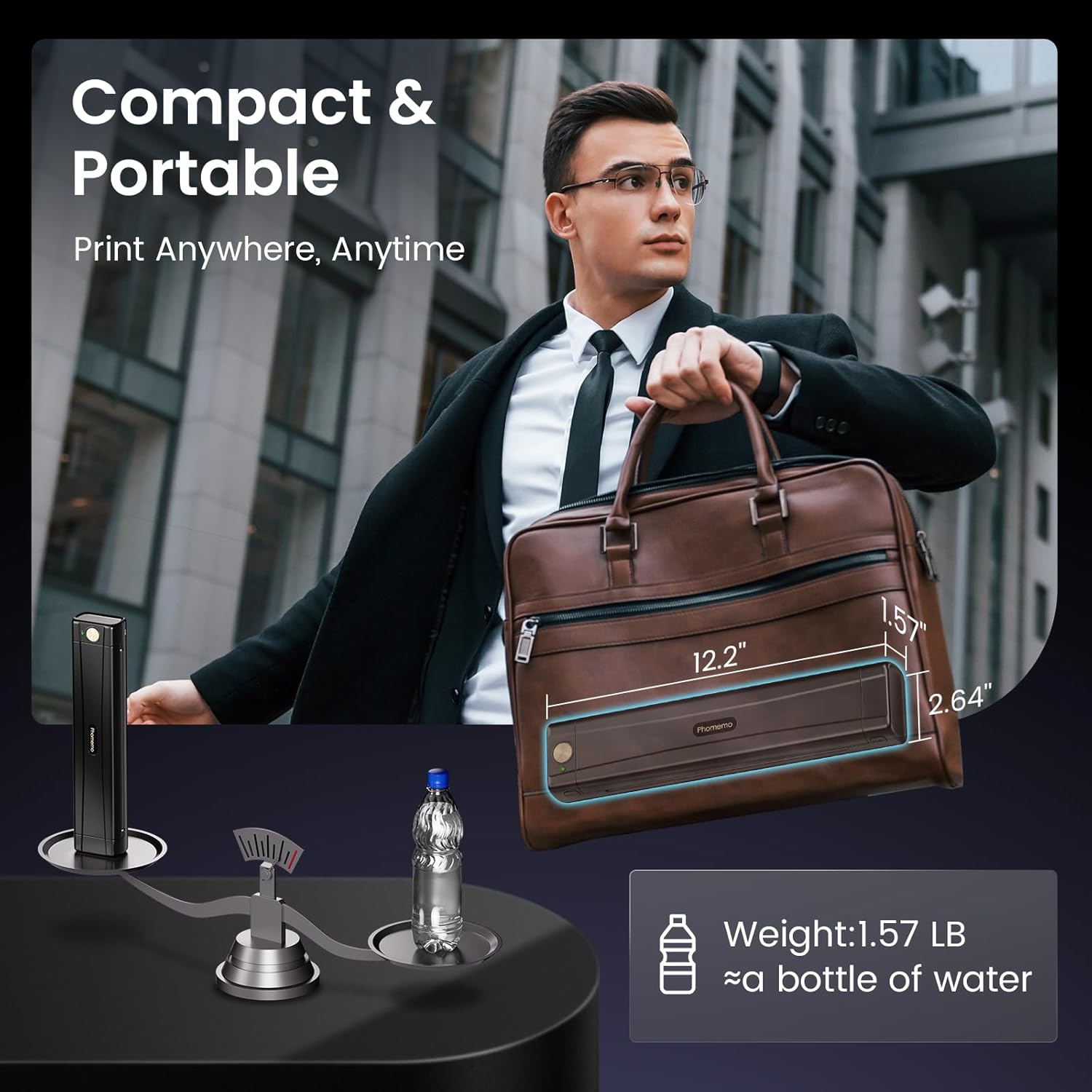
Phomemo 2025 Upgrade M08E Portable Printer: Phomemo wireless portable printer weighs only 1.5lb, compact in size and easy to carry. The mobile Bluetooth printer is ideal for on-the-go printing when you in business trip, car or at office, university and home. Phomemo portable printers wireless for travel is great for printing client documents, contracts, invoices, delivery order, bill of lading, boarding passes, lists
Inkless Thermal Printer: The small wireless printer use advanced thermal technology, no need for costly inks, toners or ribbons, no clogging and no cleaning problems! Just need to use the thermal paper, not support regular copy paper
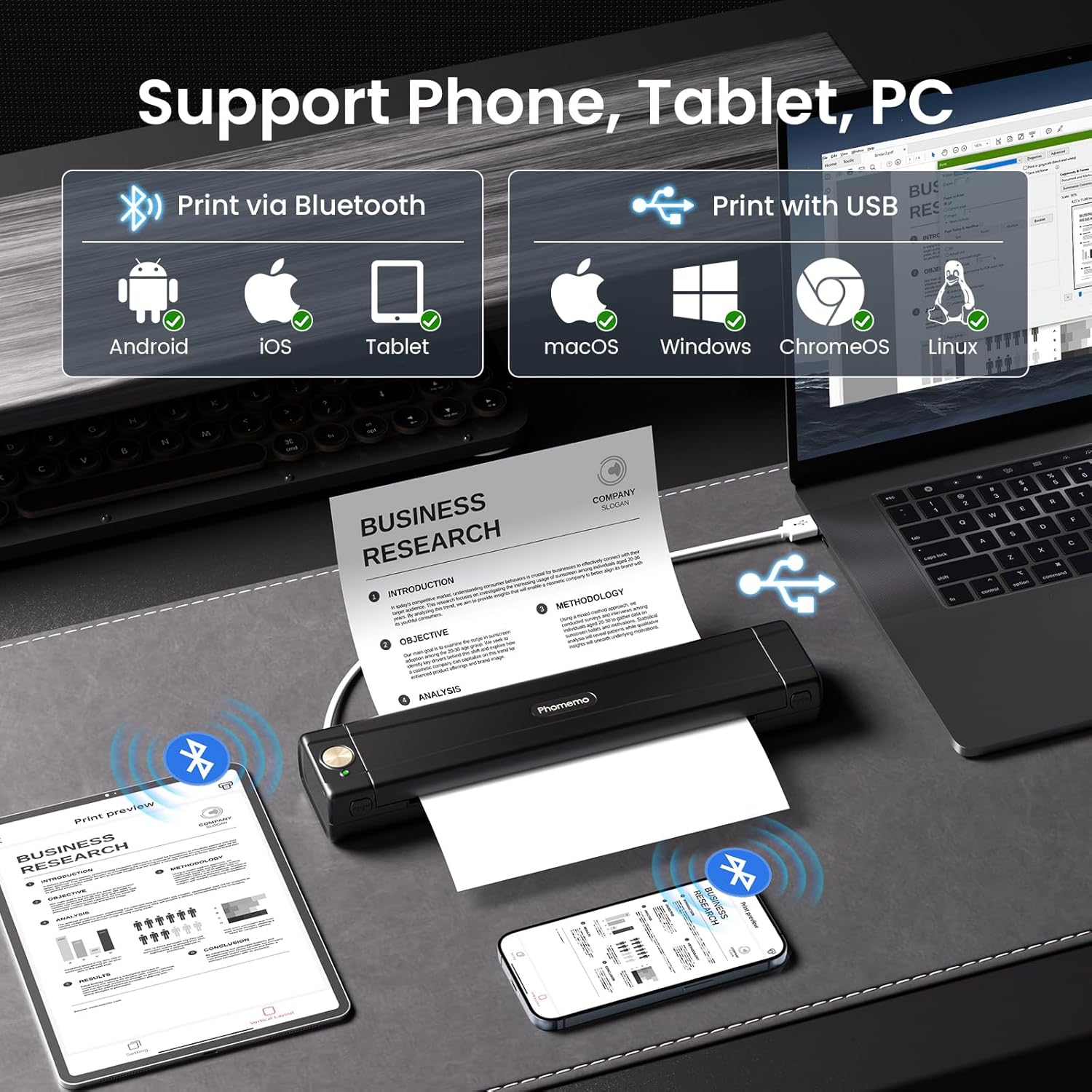
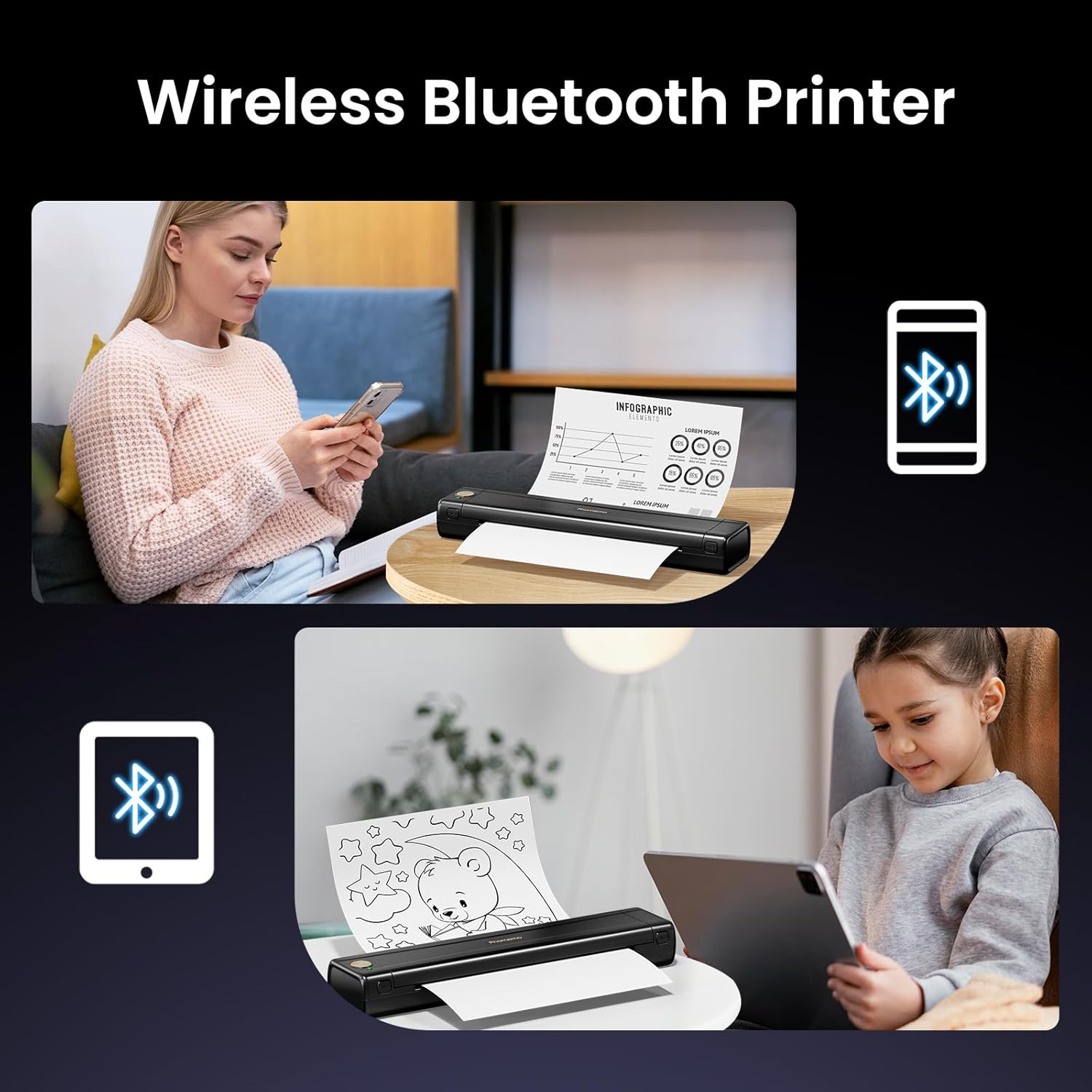
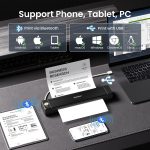
Wireless Bluetooth Printer: Download “Phomemo” App, print PDF, Word, Images, Web pages from your phone from anywhere. The portable thermal printer compatible with iPhone, Android Phone, iPad via Bluetooth, easy to connect. It’s also a portable printer for laptop, you can use USB-C Cable to connect laptop or computer for printing. (Note: For laptops, need to install the driver first)
Crisp Printing Quality & Long-lasting Battery: The M08E thermal printer provides crystal-clear print clarity, built-in 1200mAh rechargeable battery, can continuously print 140 sheets of 8.5” x 11” US Letter thermal paper on a single charge
Mobile Printer: The wireless no ink printer is a must-have for businessmen, truck drivers, mobile notaries, office worker, students, teachers on the move. It’s also a good choice as a gift. (Only Support black and white printing)
How to Connect Phone or Tablet to Print: 1) Turn on M08E printer. 2) Download “Phomemo” App. 3) Enable Bluetooth on your phone or tablet. Click the “Printer” icon in the App to search for the M08E printer, connect M08E printer in the “Phomemo” App. 4) Then select file type to start printing
How to Connect Laptop to Print: 1) Turn on M08E printer. 2) Download and Install the corresponding drive for your computer system from Phomemo. 3) Connect the M08E printer to your laptop with USB-C Cable. 4) Open the document and select the M08E printer in the printer list to print it
How to Install the Thermal Paper and Clean the Print Head: Use US Letter size thermal paper with the printing side facing down. Use alcohol wipes to clean the cutting section of the printer, especially where there are black lines, to make sure there is no adhesive residue or foreign objects on the print head

Specification

Overview

Processor

Display

RAM

Storage

Video Card

Connectivity

Features

Battery

General

Customer Reviews

0 reviews
0
0
0
0
0

There are no reviews yet.

Be the first to review “Phomemo M08E Portable Printer, Inkless Thermal Printer”

Your email address will not be published. Required fields are marked *

1 2 3 4 5
1 2 3 4 5
1 2 3 4 5