
-
Pick up from the Woodmart Store
To pick up today
Free
-
Courier delivery
Our courier will deliver to the specified address
2-3 Days
Free
-
DHL Courier delivery
DHL courier will deliver to the specified address
2-3 Days
Free
Hurry and get discounts on all Apple devices up to 20%
Sale_coupon_15
₹8,706.75 Original price was: ₹8,706.75.₹2,954.00Current price is: ₹2,954.00.
To pick up today
Free
Our courier will deliver to the specified address
2-3 Days
Free
DHL courier will deliver to the specified address
2-3 Days
Free
Payment Methods:
Price: ₹8,706.75 - ₹2,954.00
(as of Oct 23, 2025 08:14:56 UTC – Details)
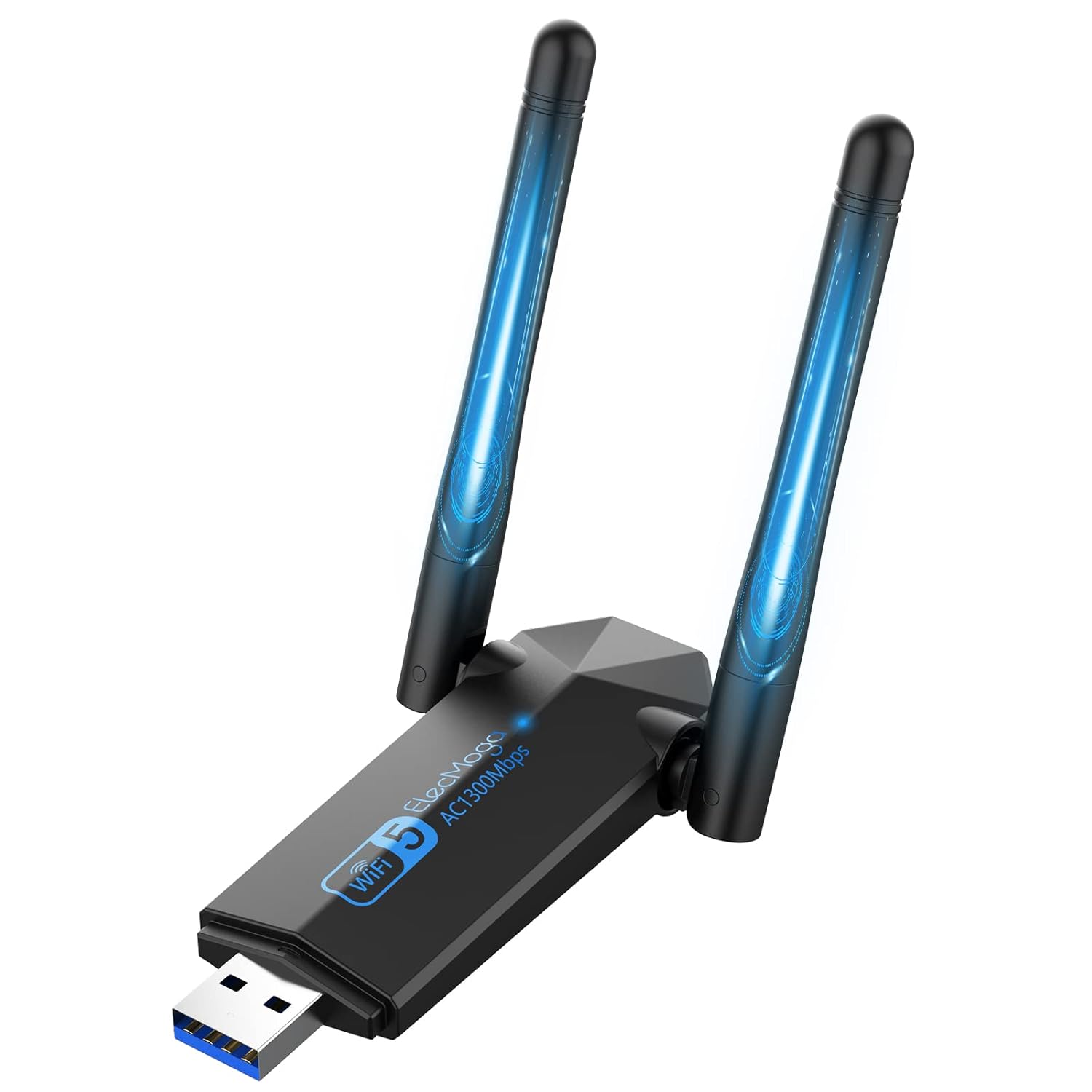
Product Name: ElecMoga Wifi Dongle
Product Size:2*8*12.5cm
Quantity: 1pc
Colour: Black
Material: Plastic
Package include:
1 x wifi adapter
1 x CD
1 x Instruction manual
Main Chip:RTL8812BU
Interface: USB 3.0
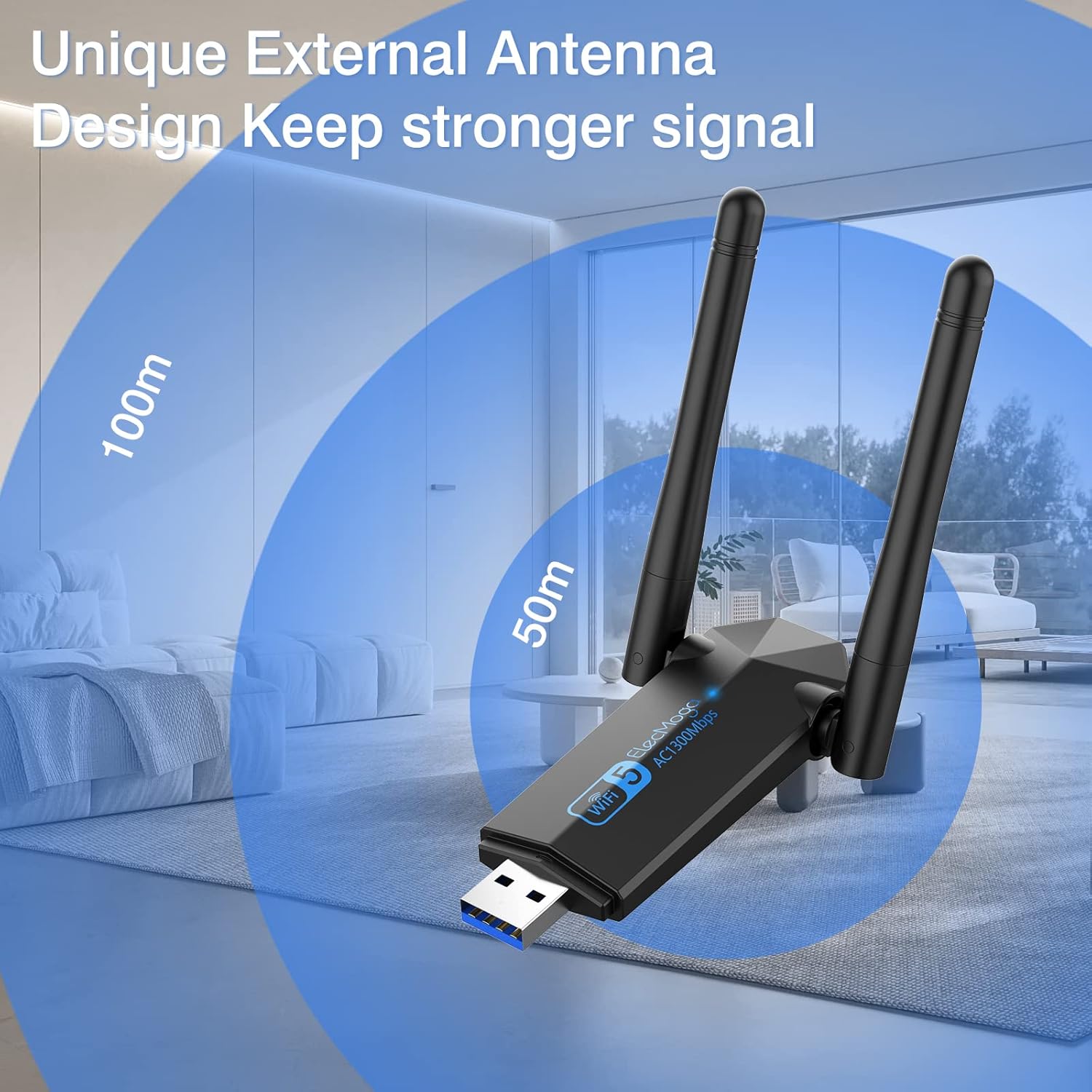
Transmission distance: Indoor MAX: 100 metres (varies by environment)
Wireless Security Support: WPA/WPA2/WEP/802.1X/WMM
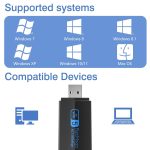
System: Windows11/10 (drive-free system built-in 8812BU driver) 8/8.1/7/Vista/XP Mac 10.9-10.15
Driver installation mode: 1.CD-ROM download and installation 2.Driver link program installation
AP function: plugged into the computer can also generate a wifi hotspot (equivalent to the function of the router)
Features:
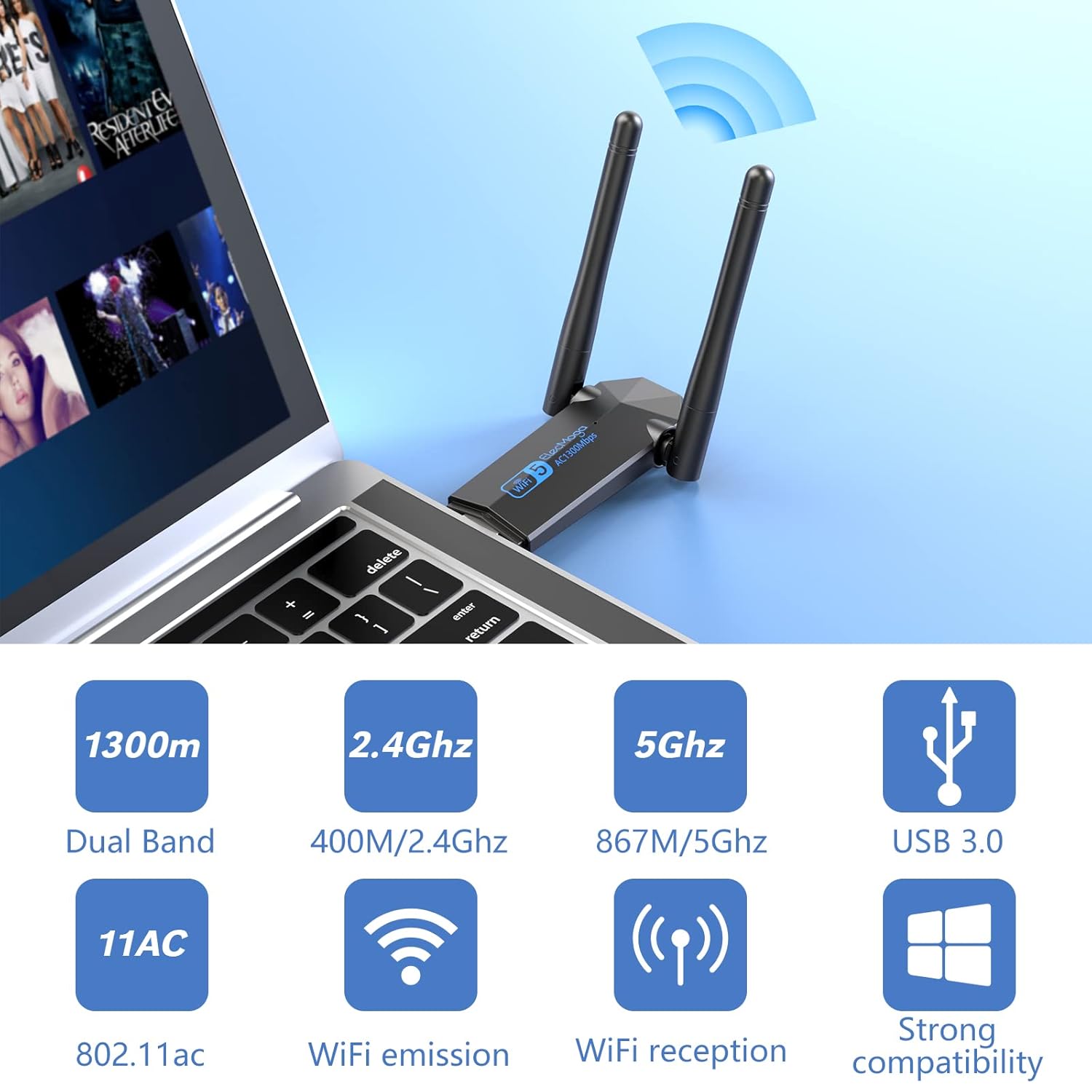
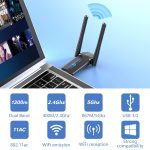
1.Two transmission rates: 867Mbps/5GHz and 400Mbps/2.4GHz
2. The latest USB interface: Faster and more stable usb3.0 interface
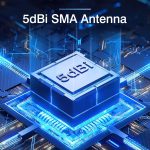
3.High frequency antenna: 5dBi high gain antenna can greatly enhance the USB adapter’s receiving and transmitting signal strength.
Notes:
COMPATIBILITY: Make sure the WiFi adapter is compatible with your device, including operating system and hardware interface.
Drivers: Install the appropriate drivers to ensure the adapter works properly.
Signal strength: choose a WiFi adapter with good signal reception and transmission capabilities to ensure a stable wireless connection.
Security: Ensure the WiFi adapter supports the latest security protocols such as WPA2 to protect your wireless network from unauthorised access.
USB port: If you choose a USB WiFi adapter, make sure your device has enough USB ports for the WiFi adapter.
Channel Interference: Avoid channel interference with other wireless devices by choosing an adapter that supports multi-channel and automatic channel selection.
Updates: Update the drivers and firmware of the WiFi adapter regularly to ensure its performance and security.
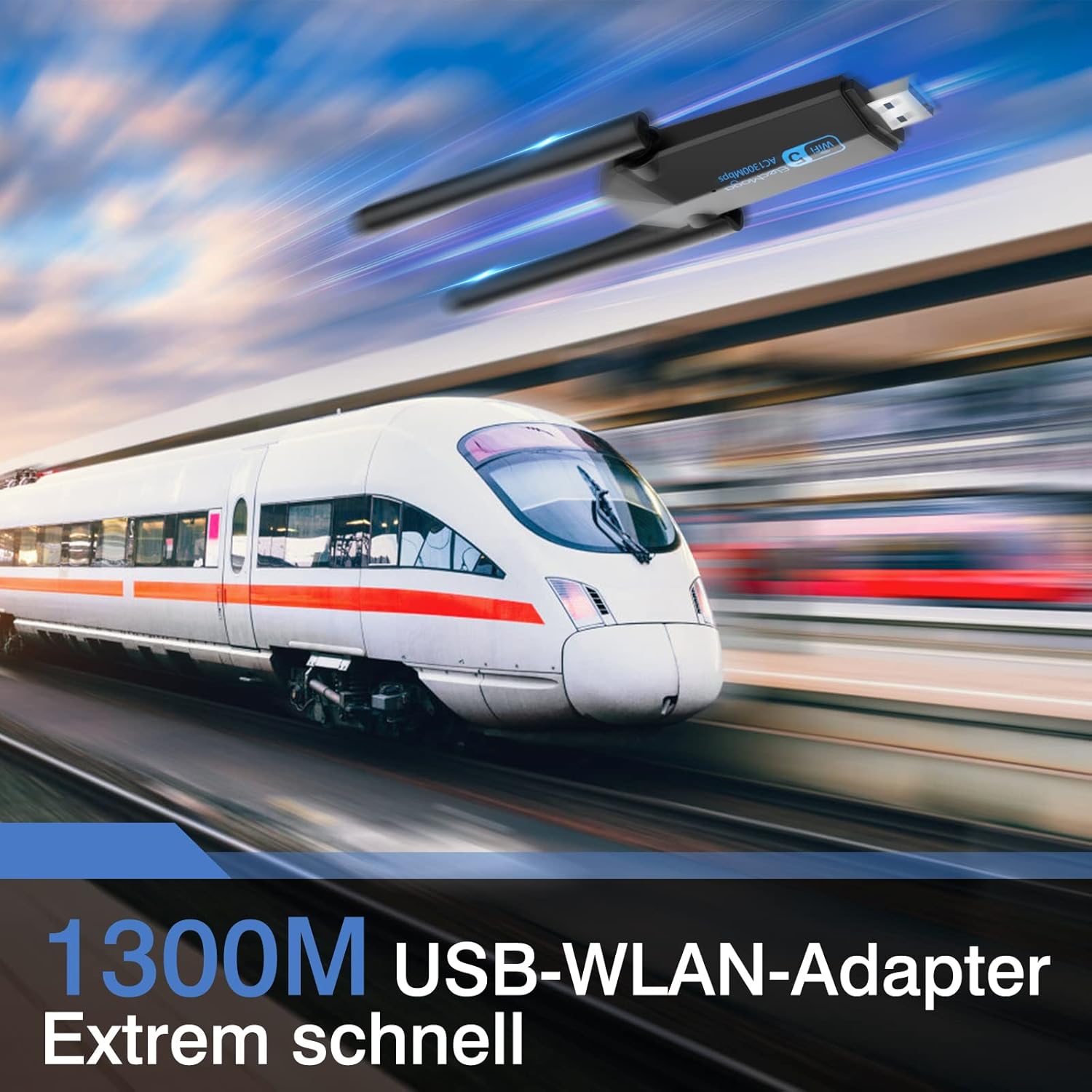
𝐓𝐰𝐨 𝐓𝐫𝐚𝐧𝐬𝐦𝐢𝐬𝐬𝐢𝐨𝐧 𝐑𝐚𝐭𝐞 𝐎𝐩𝐭𝐢𝐨𝐧𝐬:Wifi dongle 867Mbps/5GHz and 400Mbps/2.4GHz combine to form a high-speed transmission rate of 1300Mbps.Wifi adapters feature the latest 802.11ac wifi technology, which consistently delivers a stable connection and fast transfer rates, ensuring that all your devices are running at full speed.
𝐔𝐒𝐁 𝟑.𝟎 𝐨𝐯𝐞𝐫 𝟐.𝟎:Wifi adapter’s USB port uses the latest 3.0 model, which boasts faster wireless network speeds, higher current output, higher interface speeds and more efficient data processing mechanisms than 2.0.USB 3.0 ensures stable operation of the device without dropouts or performance degradation due to insufficient power supply and significantly reduces the latency of data transmission, which is very beneficial for online gaming, video conferencing and other real-time applications.
𝐇𝐢𝐠𝐡-𝐒𝐩𝐞𝐞𝐝 𝐃𝐮𝐚𝐥-𝐁𝐚𝐧𝐝 𝐀𝐧𝐭𝐞𝐧𝐧𝐚:High-Gain Antenna The 5dBi high-gain antenna greatly enhances the received and transmitted signal strength of the USB adapter to extend the coverage of your wireless network. The dual-band antenna also improves signal stability and reliability by better penetrating obstacles, such as walls, and reducing attenuation during signal propagation.
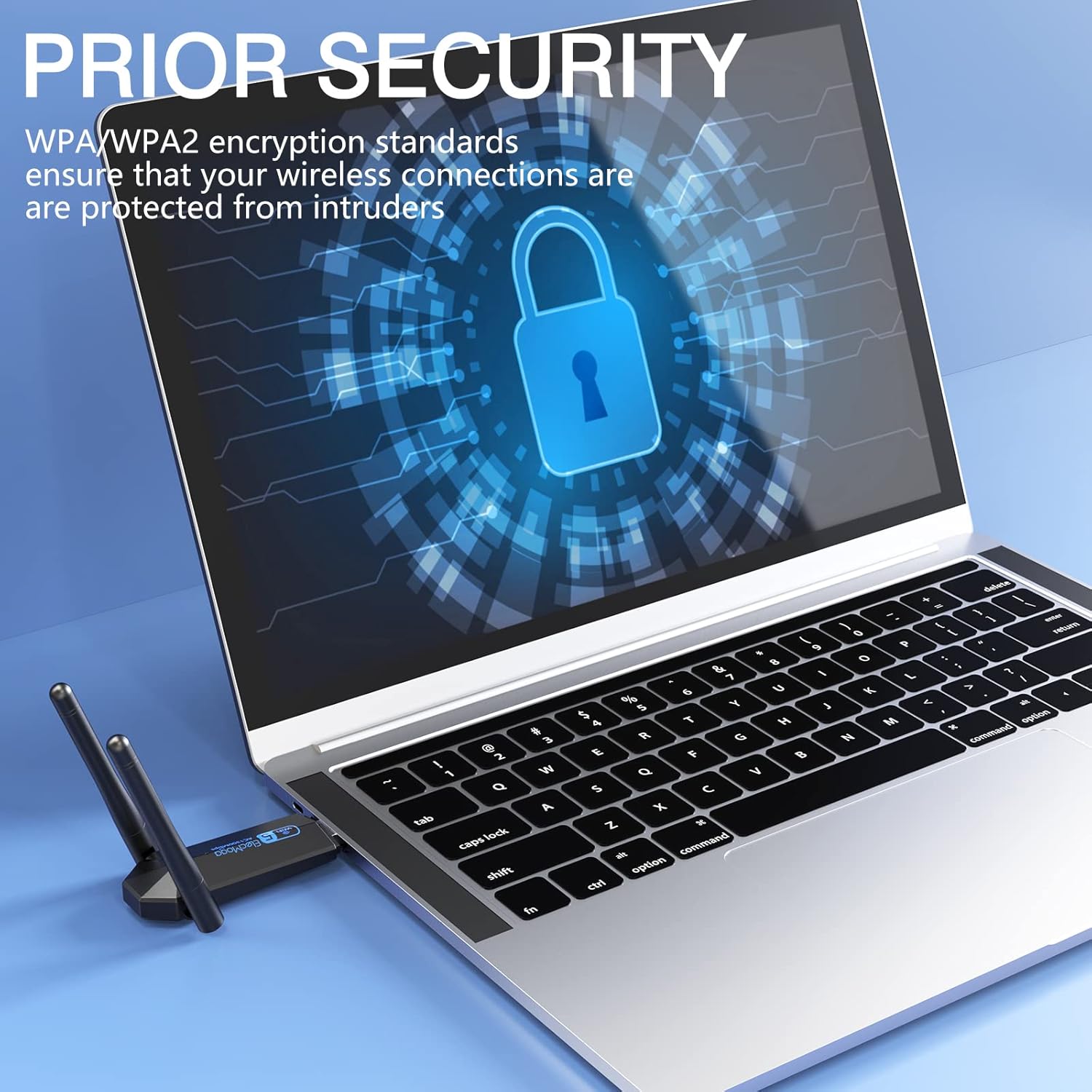
𝐀𝐏 𝐅𝐮𝐧𝐜𝐭𝐢𝐨𝐧 𝐖𝐢𝐫𝐞𝐥𝐞𝐬𝐬 𝐄𝐧𝐜𝐫𝐲𝐩𝐭𝐢𝐨𝐧:Dongle wifi can be set to AP mode, which allows the WiFi adapter to accept connection requests from multiple devices at the same time. USB dongle supports WPA/WPA2/WPA-PSK/WPA2-PSK advanced security mechanisms and encryption methods to protect your wireless connection from intrusion.
𝐂𝐨𝐦𝐩𝐚𝐭𝐢𝐛𝐥𝐞 𝐒𝐲𝐬𝐭𝐞𝐦𝐬:Wifi adapter is suitable for PC/Desktop/Tablet/Laptop and supports multiple systems, e.g. Windows 11/10/8/7/Vista/XP, Mac 10.9-10.15.Driver installation link: (Note: Desktop computers are recommended to use the USB wireless adapter on the back of the host computer)
In stock
In stock
In stock
Reviews
Clear filtersThere are no reviews yet.