
-
Pick up from the Woodmart Store
To pick up today
Free
-
Courier delivery
Our courier will deliver to the specified address
2-3 Days
Free
-
DHL Courier delivery
DHL courier will deliver to the specified address
2-3 Days
Free
Hurry and get discounts on all Apple devices up to 20%
Sale_coupon_15
₹18,725.00 Original price was: ₹18,725.00.₹13,725.00Current price is: ₹13,725.00.
To pick up today
Free
Our courier will deliver to the specified address
2-3 Days
Free
DHL courier will deliver to the specified address
2-3 Days
Free
Payment Methods:
Price: ₹18,725 - ₹13,725.00
(as of Nov 16, 2025 01:48:53 UTC – Details)
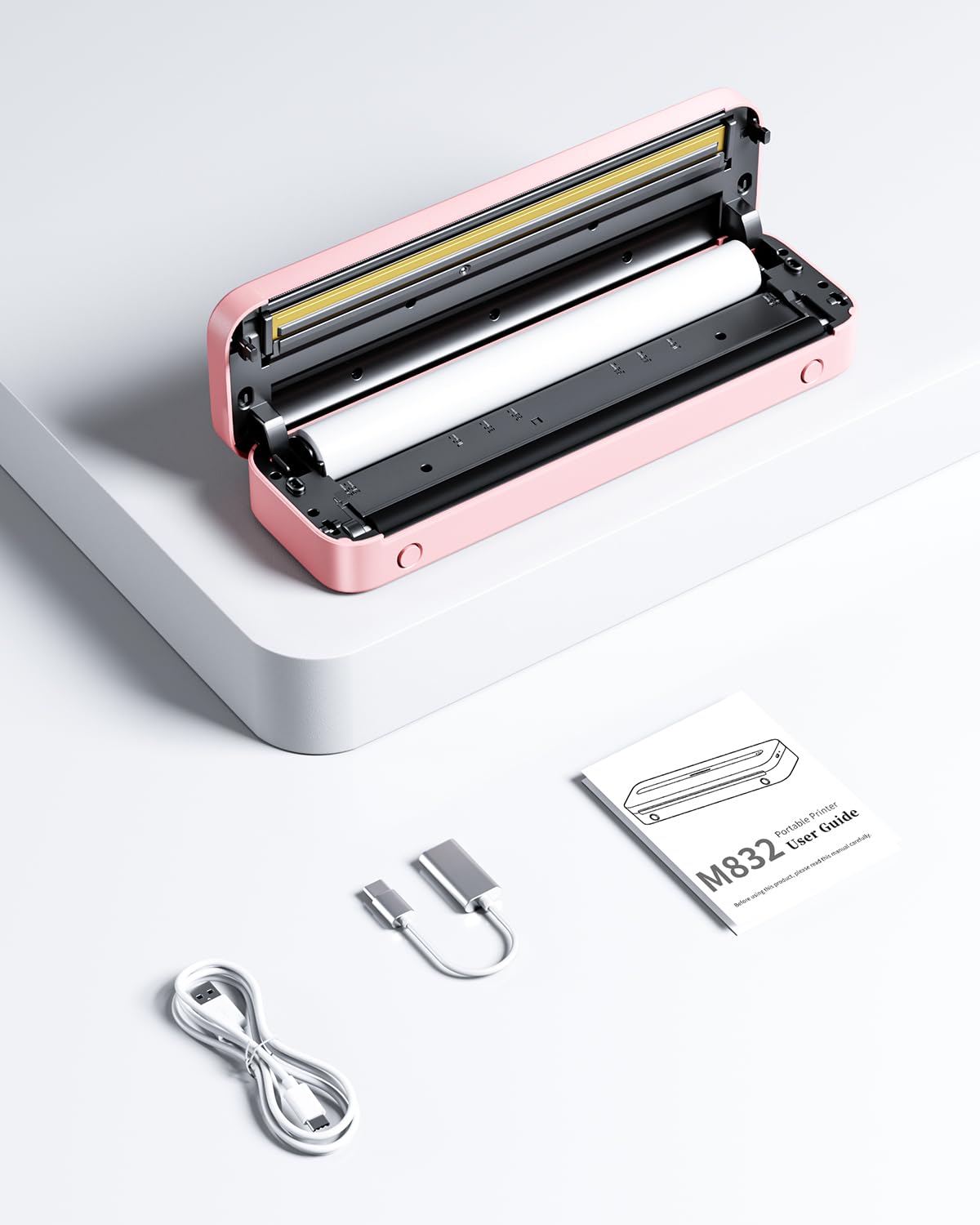
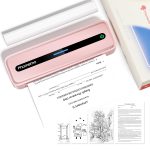
Phomemo M832 Portable Printer
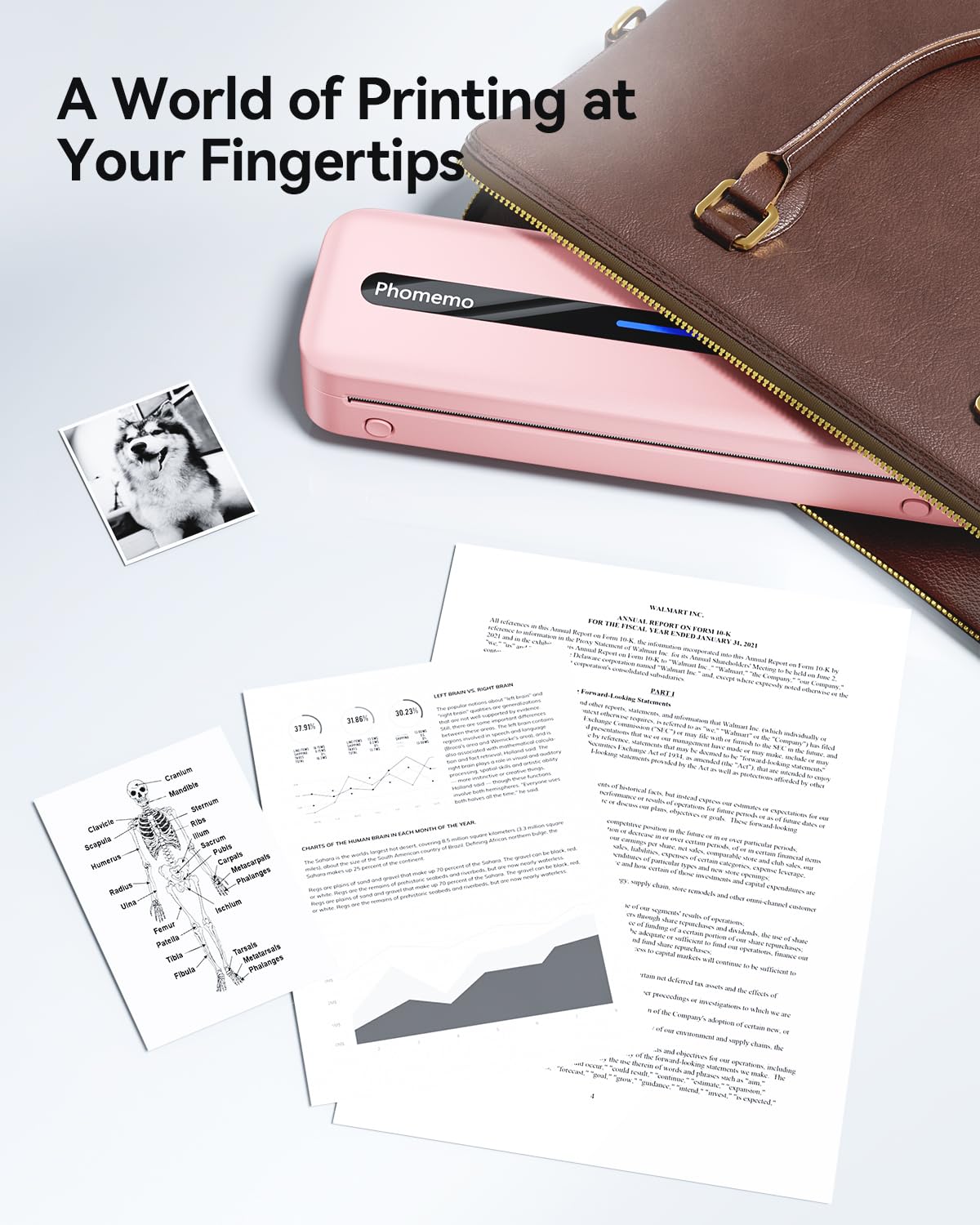
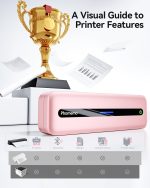
Wireless & Portable Printing Anywhere – Meet the most portable wireless printer for travelers: Connect via Bluetooth to iOS/Android in 10 seconds (Phomemo App required). No ink, no cables – just thermal paper and your phone. Print 8.5”x11” US Letter/A4 documents anywhere, from airport lounges to roadside trucks. ★Bonus: Built-in paper bin holds 50 sheets for on-the-go printing
Inkless Printing Technology Saves 80% Cost -Stop buying ink cartridges! Our thermal technology eliminates ink, toner, and ribbons. Simply load affordable thermal paper (5 sizes supported: 8.5”x11”/A4/4.33”/3.14”/2.08”). Save $300+/year vs traditional printers – perfect for students and small businesses
Easy to Use – The App “Phomemo”requires no registration and free template, no ink or toner needed, printing documents, reports, forms, letters, assignments, and study materials more economical than the ink costs of inkjet printers.
Phone and Tablet Start Print – Step 1: Download the App ‘Phomemo’. Step 2: Turn on the M832 printer and your phone’s or tablet’s Bluetooth. Step 3: Click the ‘Printer’ icon in the App to search for the M832 portable printer, connect it via Bluetooth in the App, and select the paper size and file type to start printing
Laptop/PC Starts Printing – Step 1: Please check your laptop/PC’s operating system (OS) and download and install the correct M832 driver from the Phomemo website. Step 2: Use the USB data cable to connect the M832 printer to your computer. Step 3: Select and open your document, and choose M832 from the printer list
In stock
In stock
In stock
Reviews
Clear filtersThere are no reviews yet.